Summary Table of Contents
A surface-level examination of a raster logomark rarely reveals the intricate mathematical obstacles waiting inside the tracing algorithm.
- Visual simplicity in raster graphics frequently disguises multi-shade edge transitions that generate hundreds of unneeded vector anchor points.
- Automated threshold detection in Silhouette Studio interprets blurred boundary pixels as erratic staircases rather than pristine geometric lines.
- Pre-processing images through high-contrast thresholding or manually placing minimal bezier anchors delivers vastly cleaner cuts than post-trace simplification.
01. The Deceptive Nature of Flat Graphics
Designers and crafters often encounter brand icons composed of basic shapes like circles, bold typography, or straight polygonal blocks. At a casual glance on a high-density screen, the artwork appears razor-sharp and effortlessly convertible. The expectation is that importing the file and clicking the trace button in Silhouette Studio will instantly output an identical, clean cutting contour.
However, the actual raster file usually originates from web-optimized PNG or JPEG exports. These files contain subtle compression artifacts, soft halo gradients, and slight tonal blends that remain invisible to the naked eye until software attempts to calculate luminance thresholds across coordinate grids.
02. Sub-Pixel Anti-Aliasing and Edge Jaggies
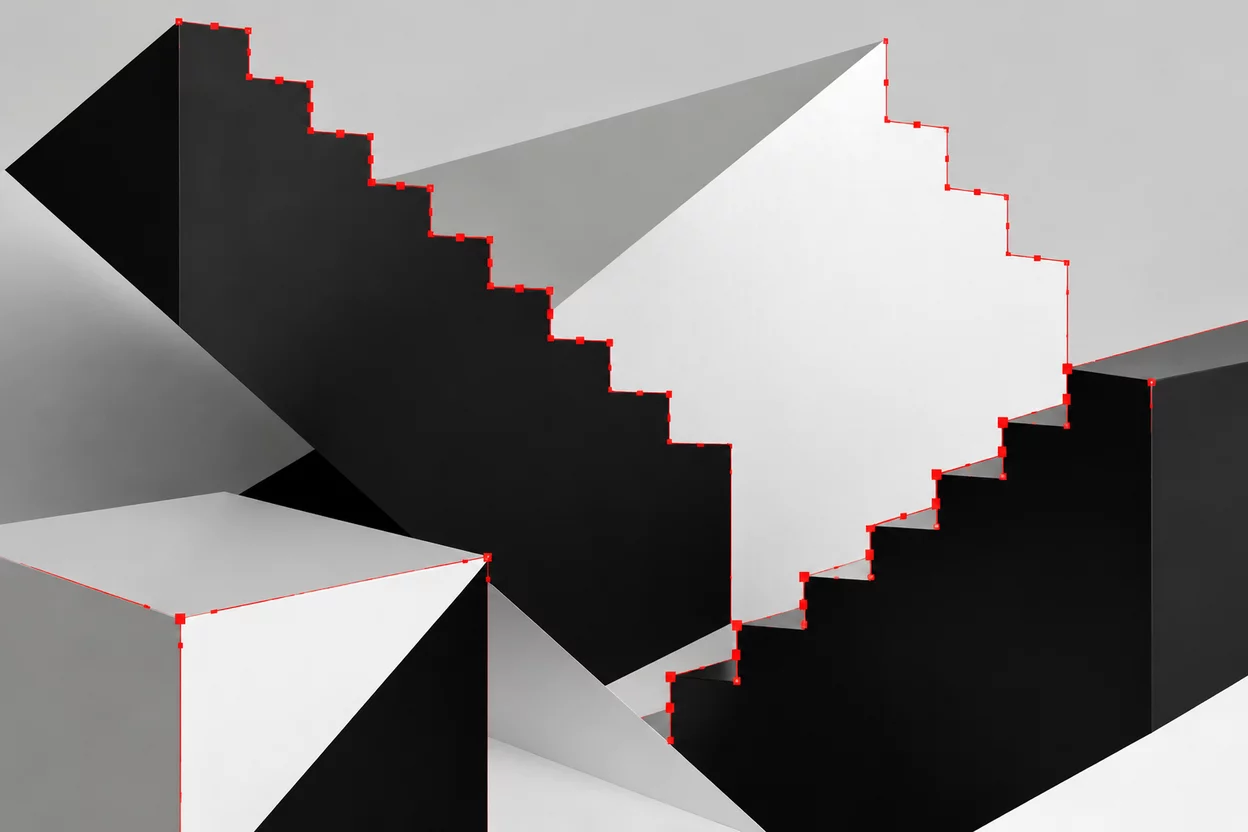
When a circular emblem or diagonal stroke is rendered into pixels, the rendering engine applies anti-aliasing to prevent hard jagged lines on screen. It does this by interpolating intermediate gray or tinted pixels along the perimeter. When Silhouette Studio analyzes this perimeter, its tracing engine must decide where the shape begins and ends based on a strict luminance threshold.
"A graphic that appears flawless on a monitor frequently hides four to eight rows of transitional boundary pixels, transforming what should be a smooth curve into an uneven serrated saw."
If the operator adjusts the threshold slider too high, the software captures the outer faded pixels, creating swollen, bulbous silhouettes. If set too low, the path erodes inward, introducing notches, broken bridges, and irregular gaps where clean negative space was intended.
03. Node Explosion and Hardware Lag
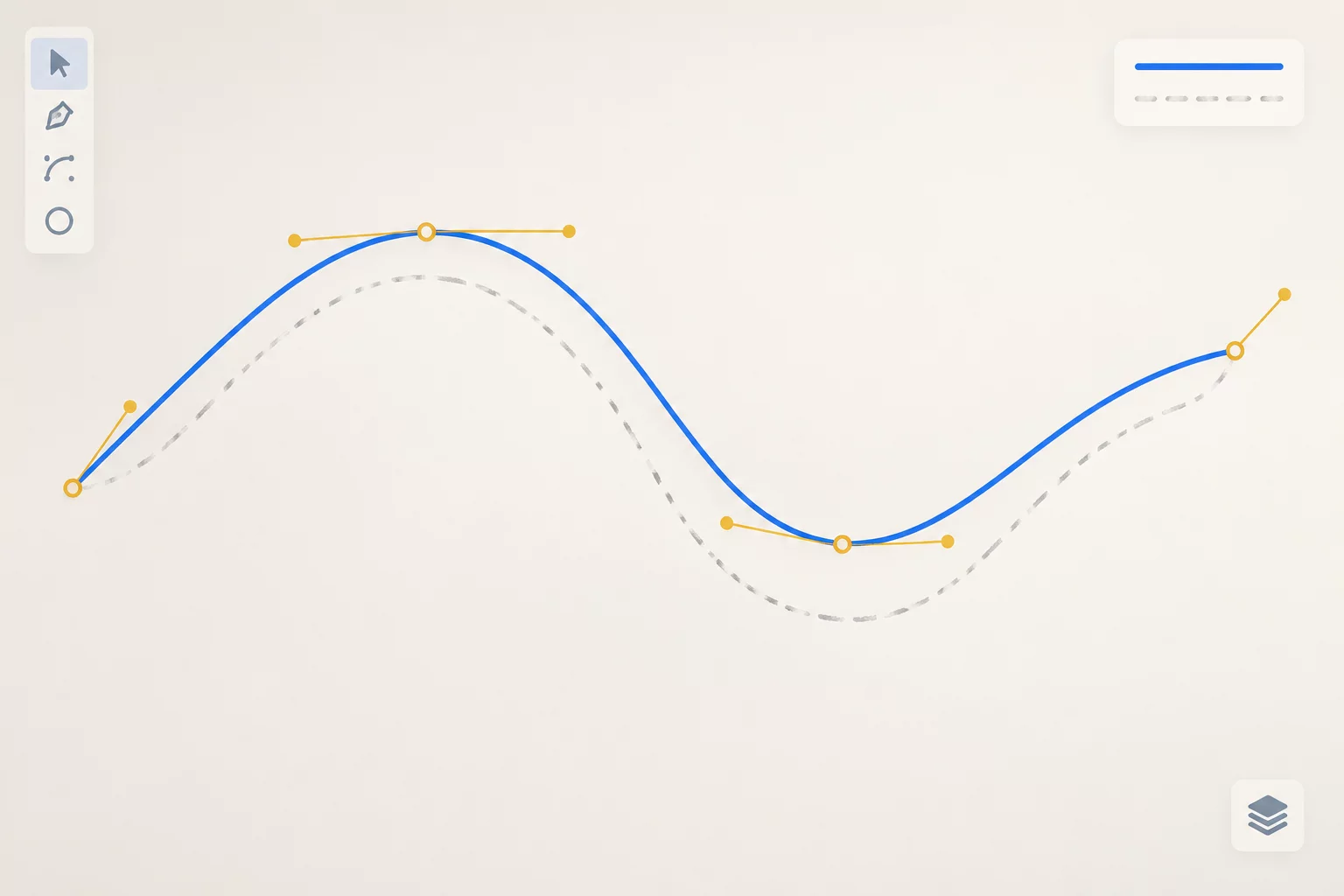
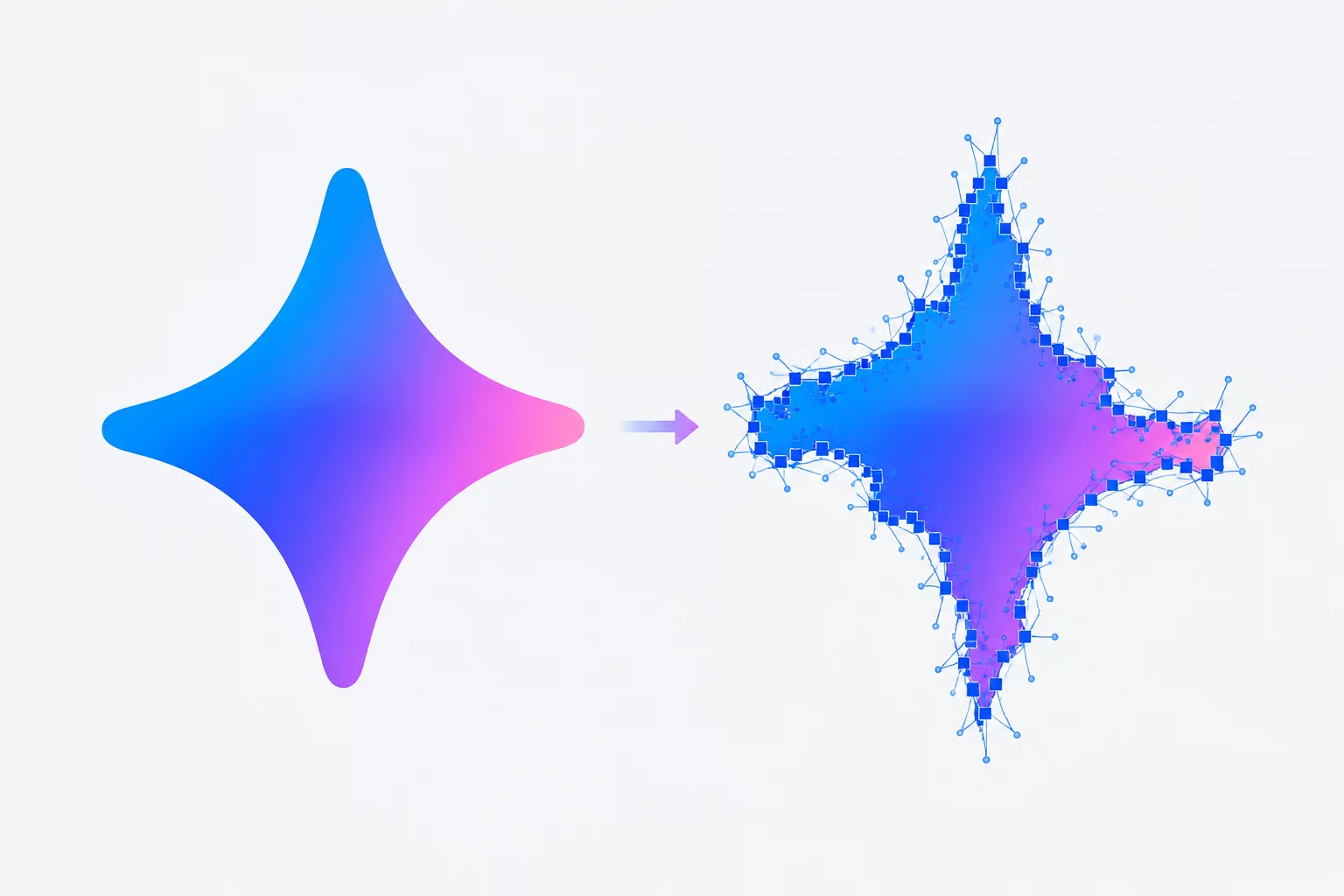
The immediate consequence of auto-tracing stepped raster edges is an astronomical increase in anchor points. Where a true vector circle requires exactly four bezier points with extended handles, an automatic trace can easily produce four hundred separate nodes along the same trajectory.
- Anchor Point Inflation: Straight horizontal segments frequently accumulate micro-nodes every two pixels due to uneven pixel luminance along the raster grid.
- Cutting Blade Stutter: Physical cutting plotters interpret every node as an individual mechanical coordinate command, causing the blade carriage to vibrate, tear cardstock, and drag vinyl.
- Document Processing Drag: Files carrying thousands of extraneous nodes consume significant memory, causing Silhouette Studio to freeze during scaling, welding, or offsetting operations.
When inspecting the traced path with the Point Editing tool active, the perimeter does not resemble a sleek line; it looks like a dense chain of white squares clustered tightly along every millimeter of the curve.
04. Practical Strategies for Clean Vectorization
Rather than battling thousands of redundant nodes inside the cutting software, optimal workflows begin before the trace ever occurs. Increasing the source resolution, eliminating anti-aliasing in external raster editors, and binarizing the image into pure monochrome black-and-white pixels ensures the algorithm detects unambiguous boundaries.
When pure geometry is the goal, redrawing basic circles and rectangles over the imported raster as a template often takes less than two minutes. This manual approach delivers pristine mathematical curves that cut faster, weed effortlessly, and preserve the true visual intent of the original logo mark.