Silhouette Studio Trace Review Pipeline
Silhouette directly advertises built-in tracing as a way to turn an imported image into a cut-ready design; the official software page lists the current version as 5.0.414. Source: silhouetteamerica.com
Systematic Trace Review in Silhouette Studio
Follow an end-to-end audit process from bitmap ingest through threshold mapping to final cutline geometry verification.
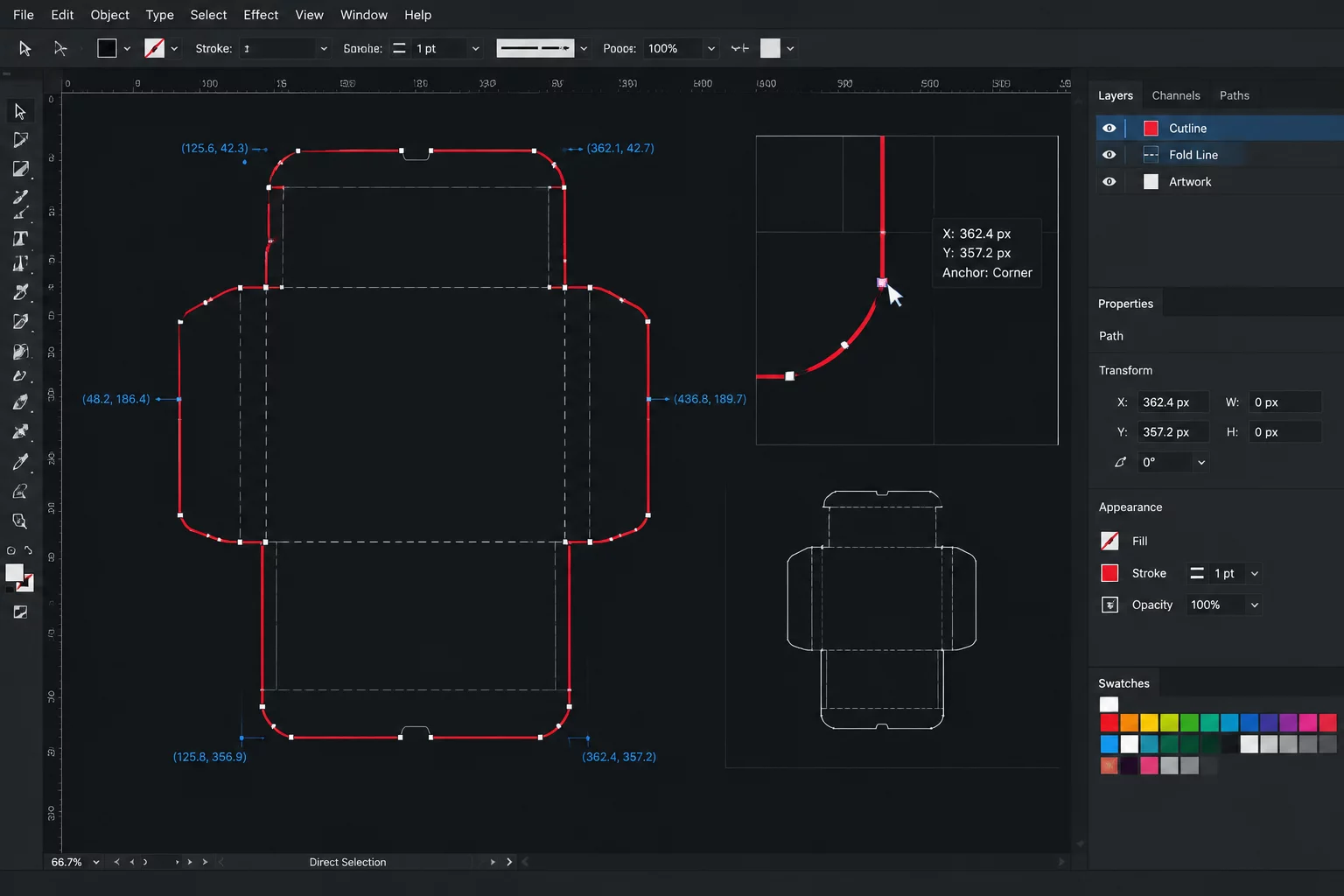
High-Resolution Bitmap Import
Incorporate your raster source onto the work area. Check resolution and lighting gradients before invoking the Trace Panel to avoid edge feathering.
Threshold Drift
Excessive high-pass filters can produce artificial double lines. Always isolate the primary silhouette using standard threshold sliders first.
Compound Paths
Nested hollows (such as inside letterforms or intricate floral silhouettes) must be validated with Release Compound Path before welding.
Point Reduction
Excessive nodes drag cutting blade velocity and cause motor stutter. Run Simplify Path once the primary contour geometry is stable.