Summary Table of Contents
Pure tonal division eliminates color confusion, but it amplifies microscopic raster aliasing into mechanical cutting flaws.
- Hard edges convert sub-pixel aliasing into discrete step nodes instead of continuous Bézier tangents.
- Plotter blades stutter at high node clusters, causing micro-tears along vinyl borders.
- Applying subtle Gaussian pre-softening allows thresholding engines to interpolate true geometric curvature.
01. The Binary Contrast Illusion
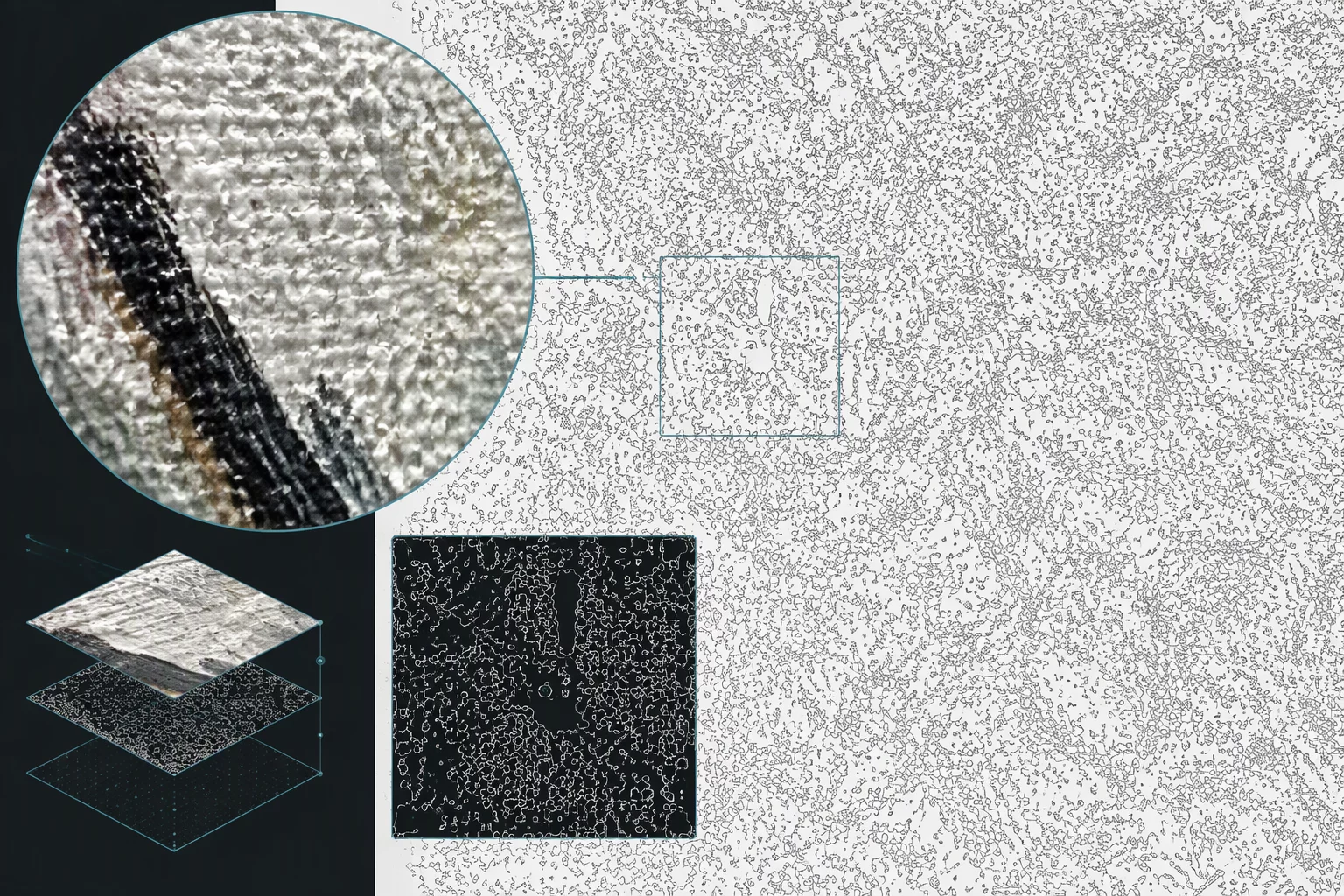
Designers often assume that preparing an artwork with 100% black pixels over a solid white background guarantees pristine vector geometry. In Silhouette Studio trace routines, high contrast resolves the separation hurdle effortlessly because every pixel falls distinctly on one side of the luminescence cutoff. The algorithm never hesitates over whether an area represents foreground or background.
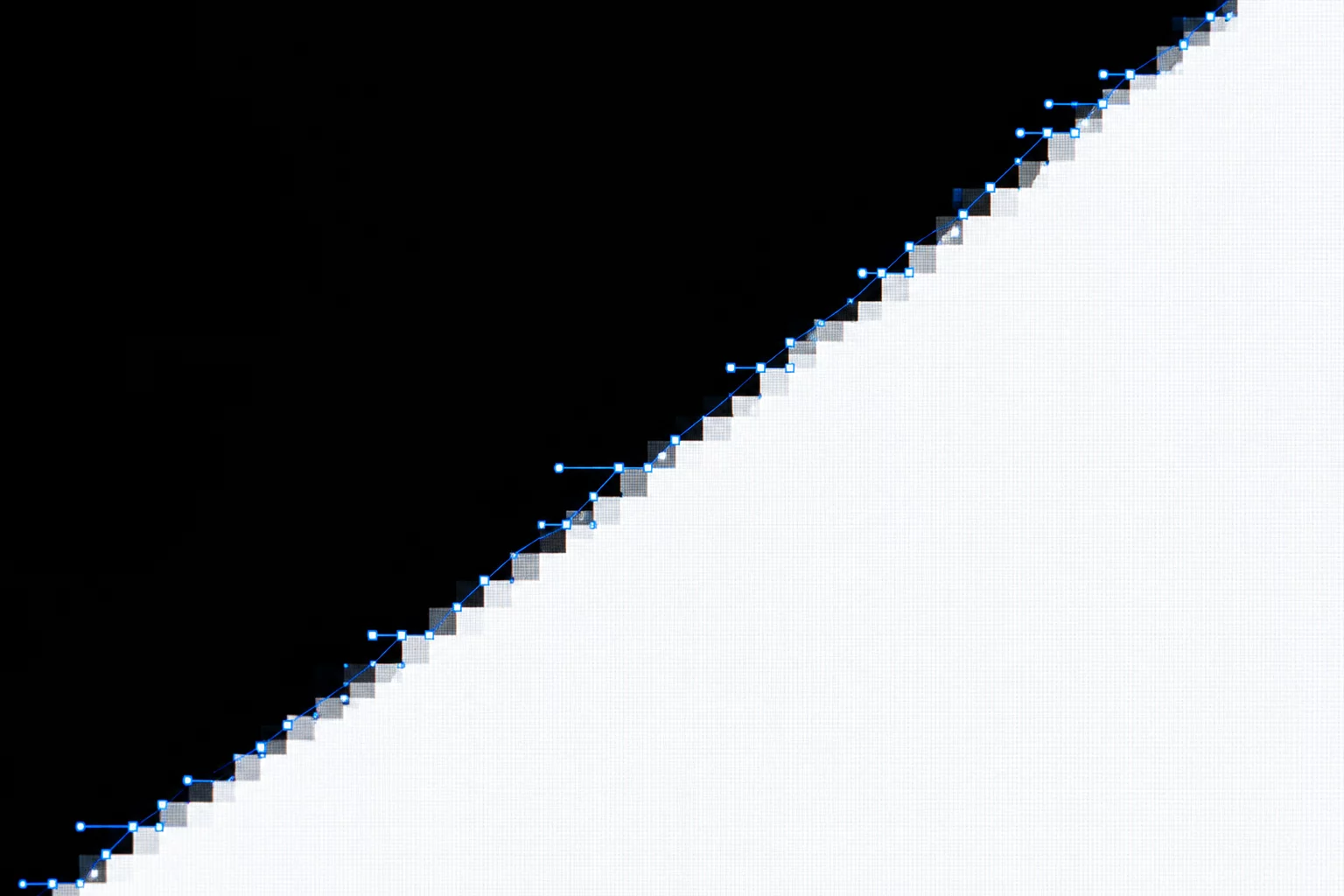
This tonal clarity hides an insidious geometric complication. When an edge possesses pure contrast without sufficient resolution, every single raster pixel step turns into an unequivocal physical boundary. Instead of identifying a deliberate diagonal or curve, the vector engine treats pixel grid stepping as intentional architectural geometry, plotting right-angled vector anchor points along every microscopic staircase.
02. Quantization Errors and Staircasing
Raster quantization forces continuous lines into a grid of discrete square cells. When an image lacks gentle antialiased transitions, mathematical curve interpolation fails because no gradient exists to indicate the angle of the underlying slope. The engine registers only hard on-off transitions across pixel corners.
When an input file displays extreme binary contrast without adequate physical resolution, the trace algorithm mistakes raster grid limitations for deliberate vector vertices.
The resulting vector path contains dozens of erratic microscopic spurs. When inspected under 800% zoom, what appeared to be a crisp circular emblem reveals jagged saw-tooth facets. During fabrication, drag-knife cutters struggle against these microscopic direction shifts, turning smooth curved cuts into chatter marks and frayed paper edges.
03. Node Overcrowding Along Structural Arcs
Automated trace engines calculate vector paths by minimizing distance errors against detected contours. Sharp high-contrast edges create sudden mathematical inflections, prompting the software to insert dense clusters of anchor points along segments that should require only two points and handles.
- Node Multiplication: High-contrast raster scans frequently generate 5 to 8 times more vector nodes than professionally drafted bezier paths.
- Tangential Skew: Abrupt pixel transitions skew handle angles outward, producing subtle scalloped humps between adjacent anchor points.
- Plotter Performance Drag: Every surplus node forces mechanical cutter motors to decelerate, pivot, and accelerate, increasing cut cycle durations significantly.
These redundant vector nodes remain invisible on zoomed-out previews, leading creators to believe the conversion was spotless. Only upon sending the cut job or inspecting point mode does the structural gridlock show its true severity.
04. Practical Pre-Trace Filtering and Node Decimation
Resolving staircasing begins before clicking the trace button. Introducing a deliberate 0.5 to 1.2 pixel Gaussian blur to sharp black-and-white silhouettes re-establishes a localized luminance gradient. The trace engine's high pass or threshold slider can then interpolate smooth mathematical tangents across the feathered transition boundary.
Post-trace cleanup requires targeted node decimation. Using curve smoothing sliders or manually selecting straight spans to delete redundant intermediate points restores geometric purity. Where high contrast failed to produce clean vectors, controlled softening and path simplification deliver flawless cutting profiles.