Summary Table of Contents
Autotrace algorithms evaluate pixel luminance across an analog spectrum, whereas clean cutting blades require crisp, unambiguous binary vectors.
- Continuous lighting gradients confuse threshold filters, fragmenting a single silhouette into dozens of concentric vector bands.
- Pushing trace sensitivity higher captures sensor grain and camera noise, resulting in dense, blade-shredding micro-nodes.
- Reliable vector silhouettes require manual bezier path tracing or high-contrast raster threshold masking prior to software import.
01. Continuous Tone vs. Binary Boundary
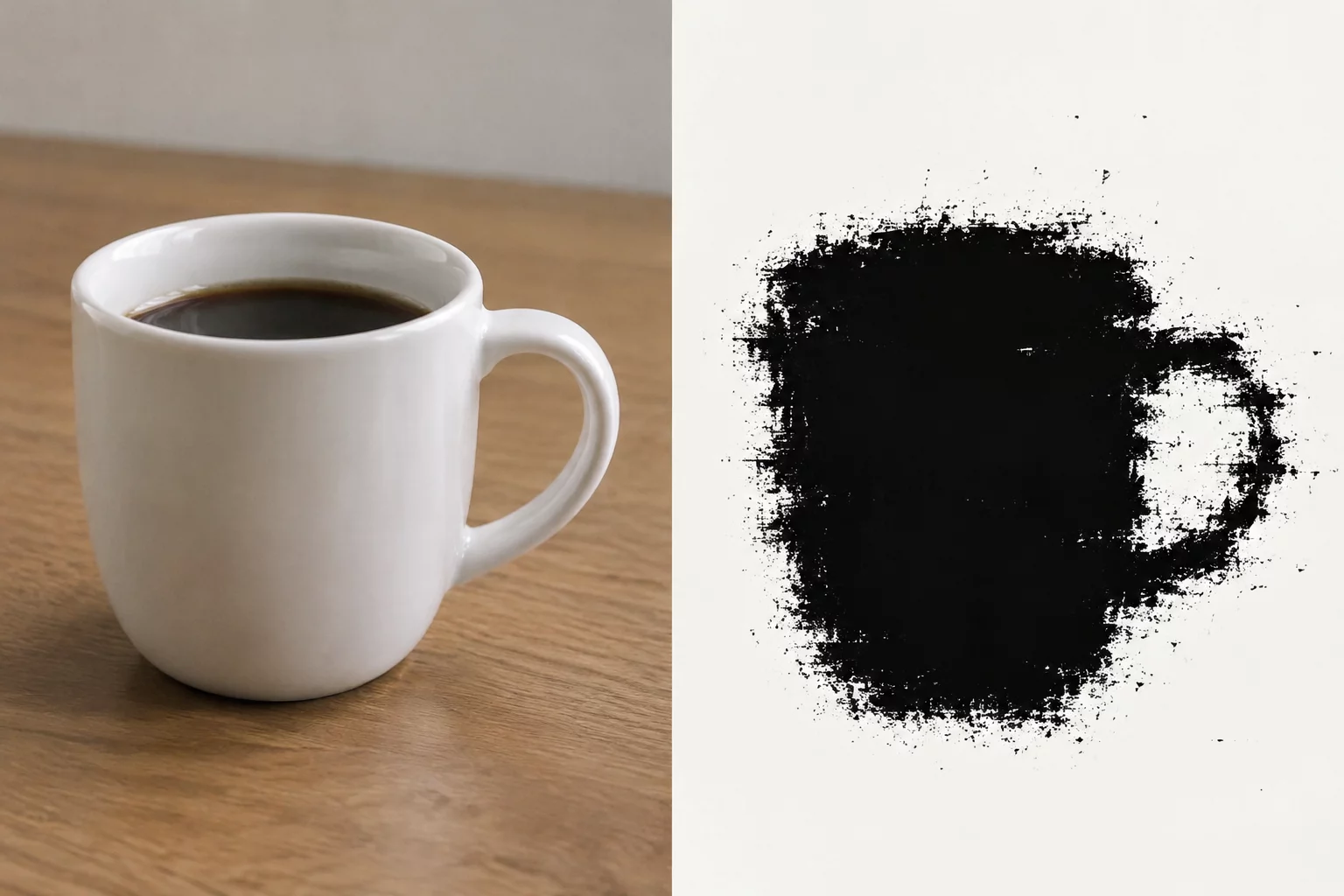
A digital craft plotter relies on unambiguous vector boundaries to guide its carbide blade: material is either completely severed or left intact along a singular continuous path. Real-world photographs, by contrast, define volume and separation through subtle tonal gradients, chromatic transitions, and ambient optical falloff. When an unedited photograph is loaded into Silhouette Studio and evaluated with the trace panel, the underlying software evaluates color and brightness values across an expansive analog gradient.
Because photographic subjects blend gradually into their environment through soft edge blur and lighting scatter, the trace engine cannot reliably pinpoint where the object perimeter lies. The algorithm attempts to approximate these multi-pixel transitions by generating concentric bands of vector paths, treating every step in luminance as an intentional physical layer rather than an artifact of optical physics.
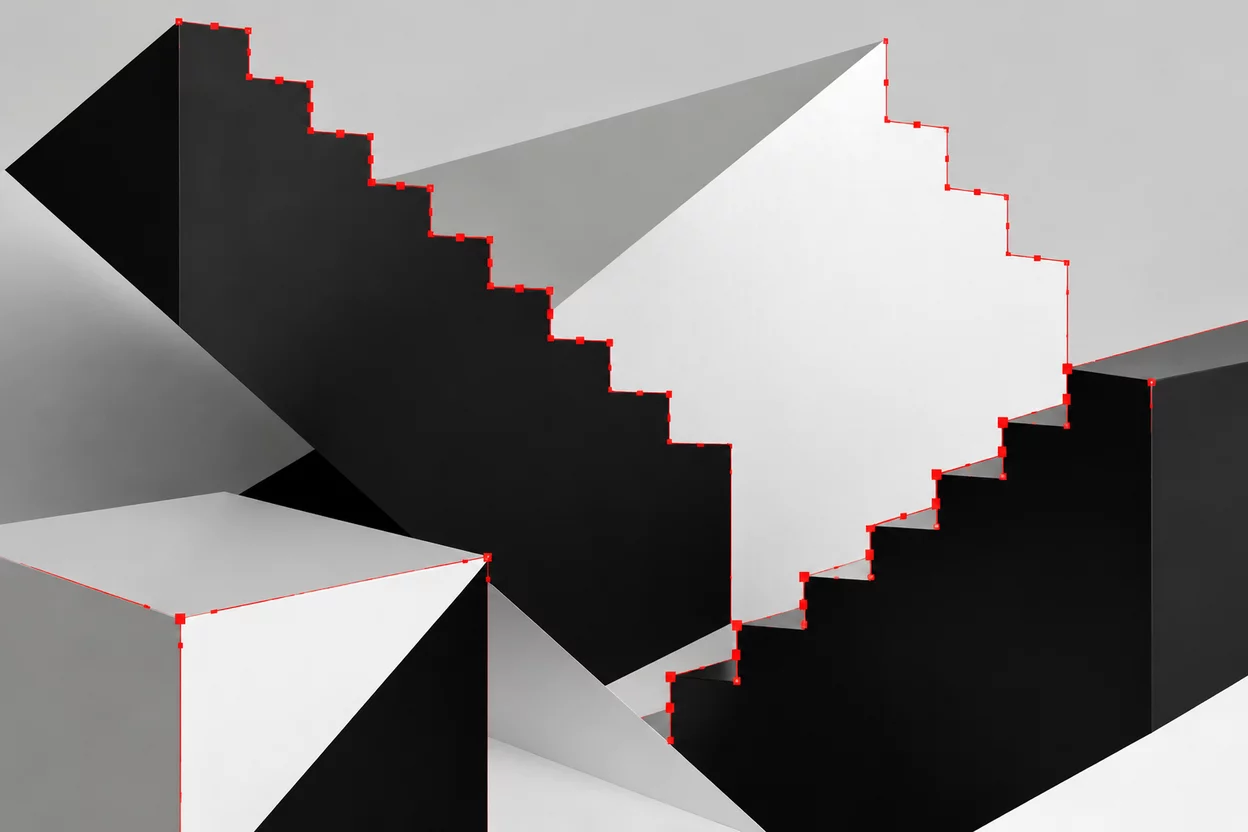
02. The Staircase Artifacts of Luminance Thresholding
Silhouette Studio trace controls depend heavily on the high-pass filter and the master luminance threshold slider. Modifying this threshold forces the engine to classify every pixel above a specific numerical luminance as negative space and everything below it as vector geometry. On high-contrast solid artwork, this cutoff works reliably. On photographs, minute sensor noise, compression artifacts, and soft cast shadows create jagged transitions across surfaces that human eyes perceive as uniform.
Automated trace filters treat photographic pixel variations as literal geometry, converting subtle camera sensor noise into thousands of microscopic cutting points.
Increasing the threshold value to capture lighter areas around the perimeter inevitably pulls in background clutter and cast shadows, fusing the subject to surrounding surfaces. Reducing the threshold leaves hollow voids in bright surface highlights, turning cheeks, shoulders, and reflective surfaces into fragmented floating cutouts that ruin physical material integrity.
03. Tonal Breakdown and Cutter Path Hazards
Directing a cutting blade along raw photographic trace paths causes immediate mechanical distress to desktop cutting plotters. Mechanical blades cannot interpret visual shading; they physically drag across every minuscule node and turn generated by the algorithm:
- Extreme Node Density: A standard unedited photo trace routinely generates between 3,000 and 7,500 anchor points, causing cutting carriages to stutter and stall.
- Rapid Blade Wear & Chatter: Microscopic staircase turns force the blade swivel mechanism to oscillate rapidly, chipping fine carbide tips and tearing delicate vinyl.
- Micro-Island Fragmentation: Specular highlights spawn disconnected sub-millimeter islands that lift off carrier sheets and jam inside drive roller gears.
Rather than delivering a smooth, professional vinyl decal or cardstock embellishment, the cutter chatters violently across the rough contours. The resulting cutout exhibits frayed paper edges, lifted adhesive layers, and weeding geometry so dense that manual separation without destroying the design is virtually impossible.
04. Pre-Trace Preparation and Manual Masking
Successful silhouette creation begins by separating the subject in dedicated photo editing software before introducing the file to Silhouette Studio. Designers isolate silhouettes by stripping backgrounds, boosting contrast, and applying hard threshold adjustments that convert the photographic profile into solid black on pure white. Eliminating midtones and shadows at the raster stage ensures that automated trace algorithms detect only a clean single-line boundary.
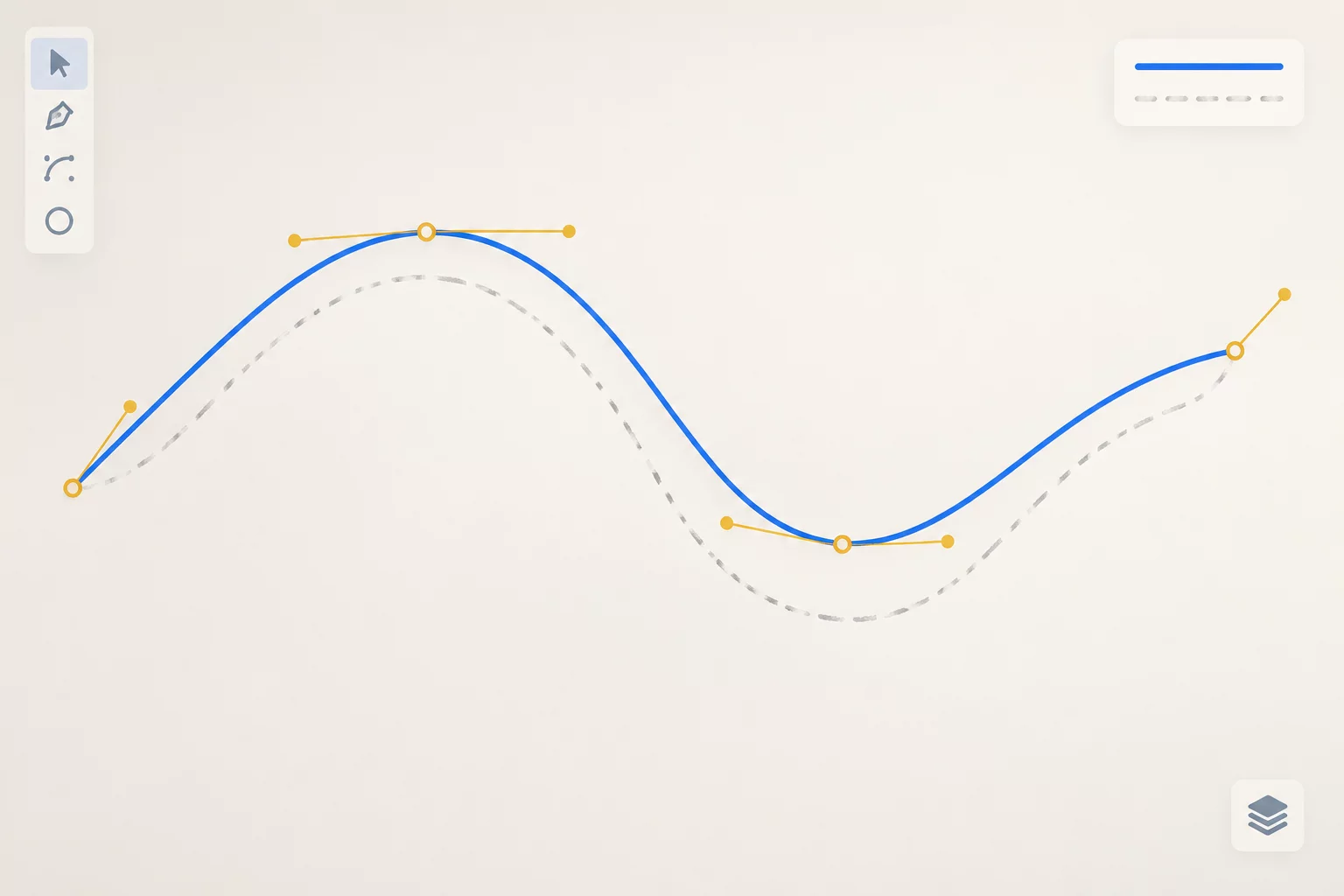
When maximum edge accuracy is needed, manual bezier tracing provides far superior geometry. Using the native draw curved shape tool in Silhouette Studio, an experienced designer can outline a human head or pet profile with fewer than forty strategically positioned anchor points. This manual vectorization guarantees silky curves, zero blade chatter, and instantaneous weeding.