Summary Table of Contents
Tuning bitmap threshold boundaries beforehand drastically cuts down vector node bloat, yet targeted node surgery remains essential for mechanically sound cut paths.
- Eliminating anti-aliased edge fuzz before importing cuts anchor counts by over sixty percent.
- Automatic software smoothing sliders frequently round out sharp corners and distort essential design proportions.
- Pre-processing raster files delivers maximum efficiency on high-contrast graphics, while chaotic scans require manual bezier editing.
01. The Pre-Trace Dilemma: Where Labor Hides
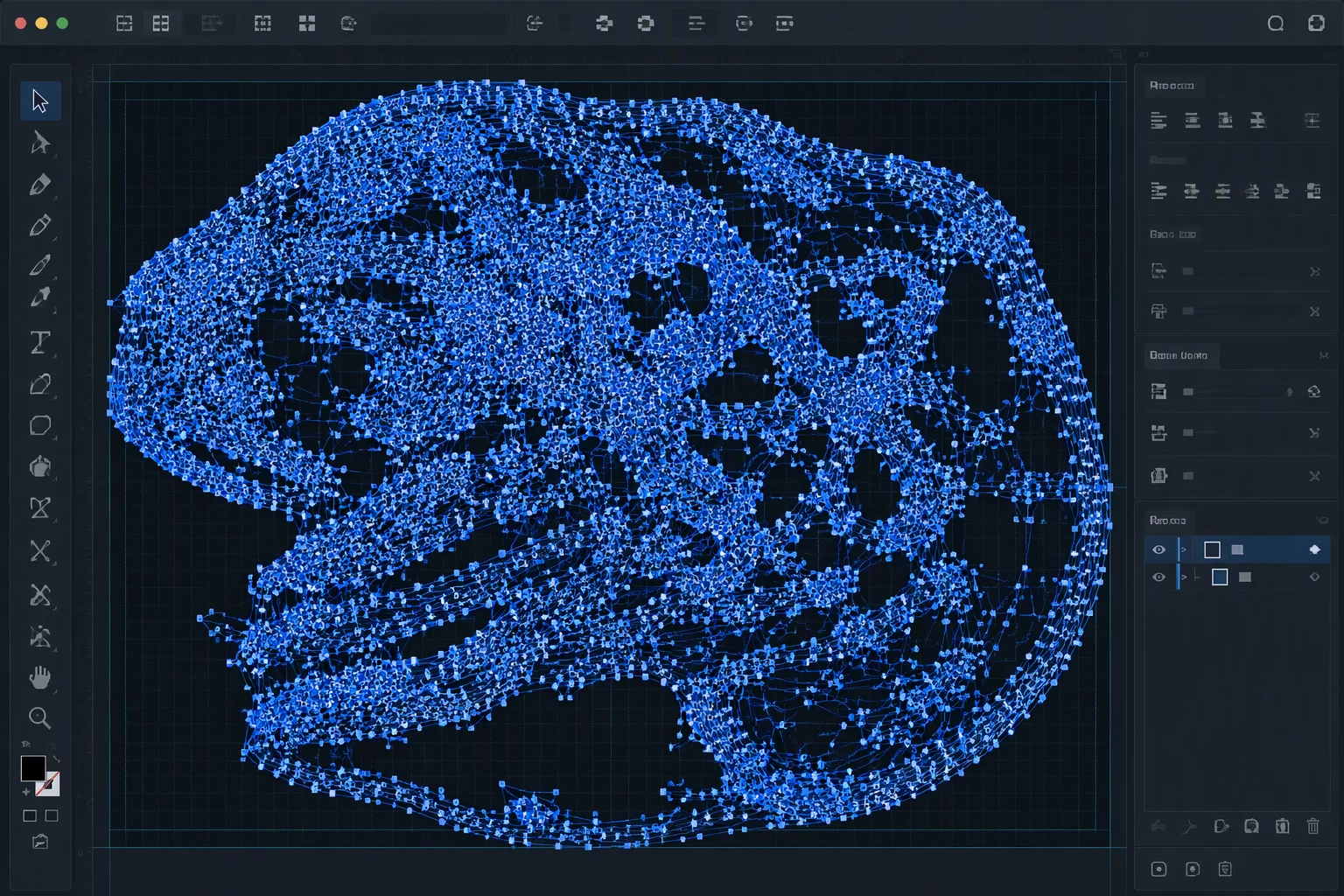
Every digital crafter and production operator encounters bitmap files that resist effortless vectorization. When importing a low-resolution scan or heavily compressed JPEG, the automatic trace panel interprets edge noise as deliberate geometry. Tiny gradations of gray become thousands of microscopic steps. The craft cutter responds by stuttering across each sub-millimeter segment, chewing into delicate vinyl and prematurely dulling carbide blades.
The operational question centers on which stage absorbs the manual labor. Adjusting threshold levels and contrast curves in a raster graphics program takes two minutes. Conversely, untangling hundreds of overlapping anchor points within Silhouette Studio point editing mode can easily consume half an hour. Choosing the appropriate intervention point dictates whether a cutting job finishes on schedule or stalls in endless manual repair.
02. Raster Simplification Strategies
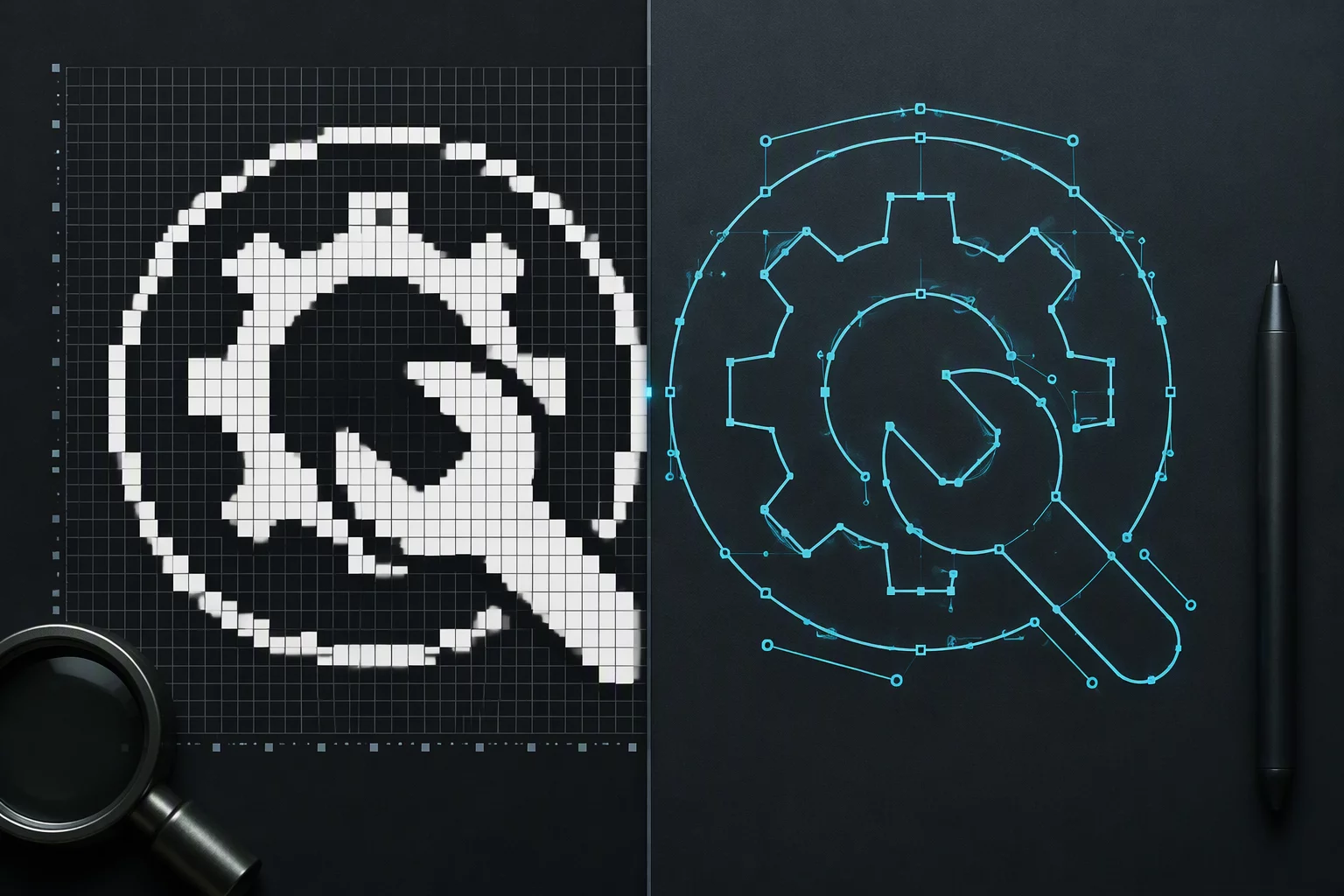
Pixel preparation establishes the baseline for vector precision. Running an unsharp mask alongside a high-pass filter isolates prominent silhouette contours while flattening intermediate tonal variations. Converting the image to a strict dual-tone bitmap forces murky transition pixels into definite black or white values. Silhouette Studio traces these solid boundaries with sweeping bezier arcs rather than fragmented staircases.
Eliminating a ten-pixel anti-aliasing gradient in raster software takes thirty seconds. Deleting two hundred staggered anchor points across ten jagged cutlines takes twenty minutes.
Failing to clean the source file leaves the tracing algorithm guessing where dark elements terminate and light backgrounds begin. The autotrace engine frequently generates double contours around faint borders, creating narrow slivers of vector scraps that tear during weeding. A disciplined pre-trace bitmap cleanup systematically removes these ghost islands before vectors ever appear on screen.
03. Vector Cleanup Workflows and Node Economy
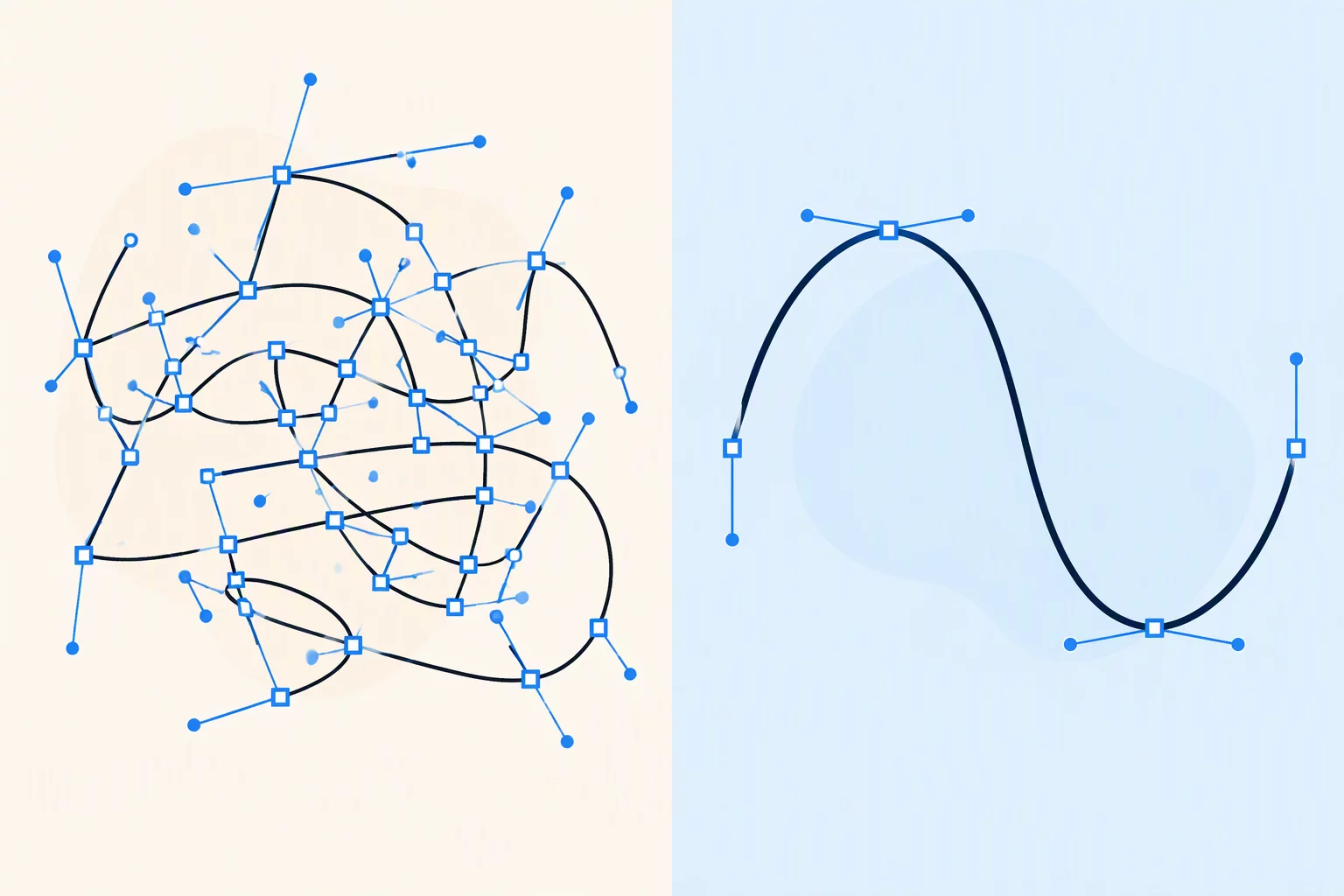
Despite thorough image preprocessing, vector traces rarely arrive in pristine cutting condition. Organic curves require continuous mathematical tangency, something automated contrast scanners approximate with clusters of adjacent corners. Inspecting the raw outline under high magnification reveals where automated tracing places superfluous nodes along straight segments.
- Threshold Calibration: Precise threshold slider balancing eliminates gray compression artifacts while keeping interior loops intact.
- Node Count Target: Well-formed cut contours maintain fewer than twelve nodes per continuous curve segment to safeguard plotter carriage speed.
- Blade Trajectory Drag: Dense clusters of erratic anchor points force rapid blade rotation, causing paper delamination and vinyl tearing.
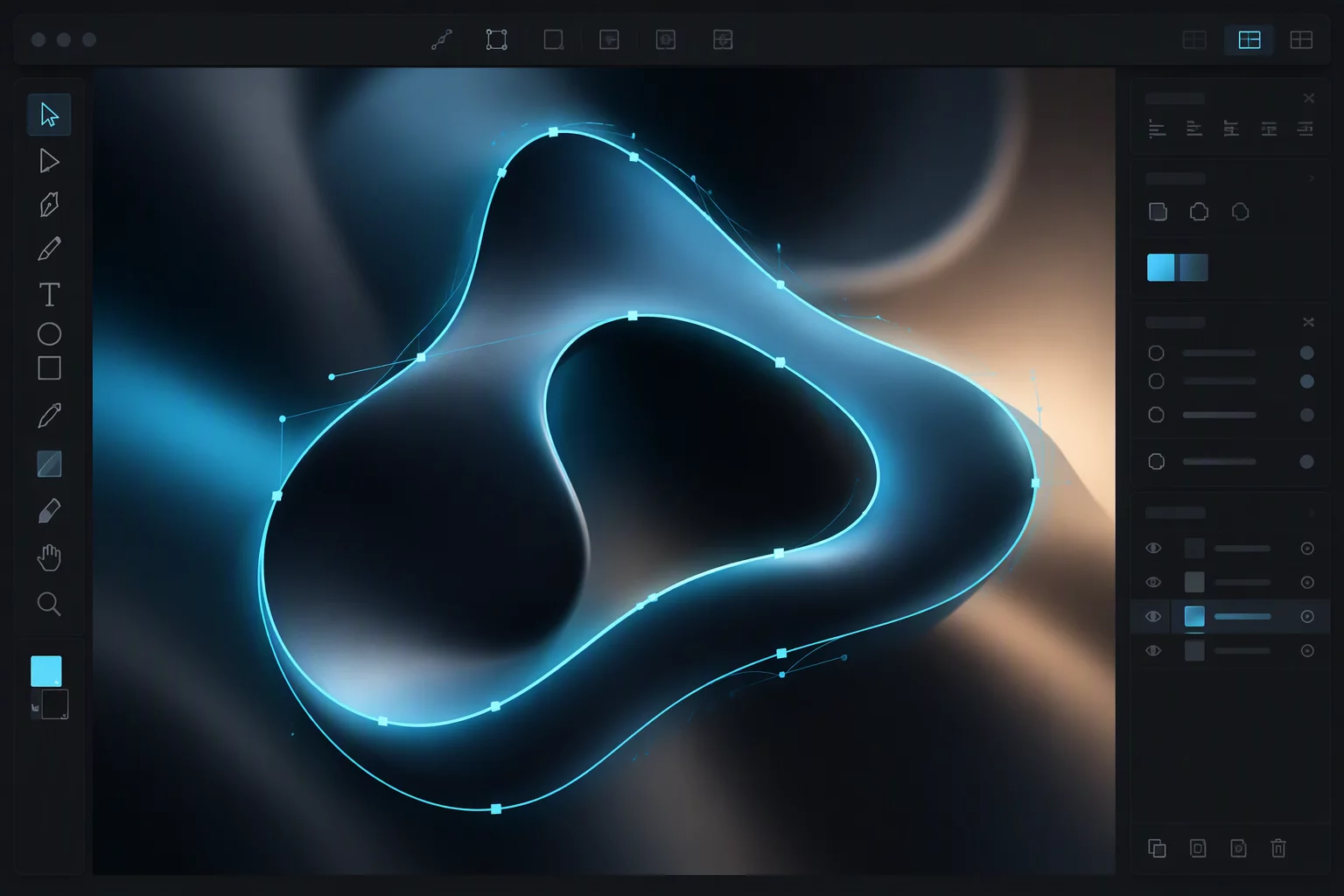
Applying the native Simplify tool in Silhouette Studio reduces point counts quickly, yet it often strips away intentional chamfers and sharp vertex points. Manual node pruning with the point editing tool provides surgical control. Deleting redundant anchors while adjusting bezier control handles preserves the designer original intent without taxing mechanical cutter drives.
04. The Balanced Production Protocol
Production efficiency depends on knowing when to stop editing pixels and when to start editing curves. Clean typography and stark geometric logos benefit almost entirely from source image threshold adjustments. A clean silhouette in the raster stage produces ninety-five percent usable vectors immediately upon autotracing, requiring only minor scale verification.
Intricate botanical illustrations, distressed vintage prints, and hand-lettered signs demand a hybrid methodology. Pre-trace adjustments should isolate the primary outer perimeter, leaving secondary textures for post-trace vector evaluation. By releasing compound paths inside Silhouette Studio, operators discard unneeded interior clutter within seconds, creating robust cutting lines that peel smoothly from the backing liner.