Summary Table of Contents
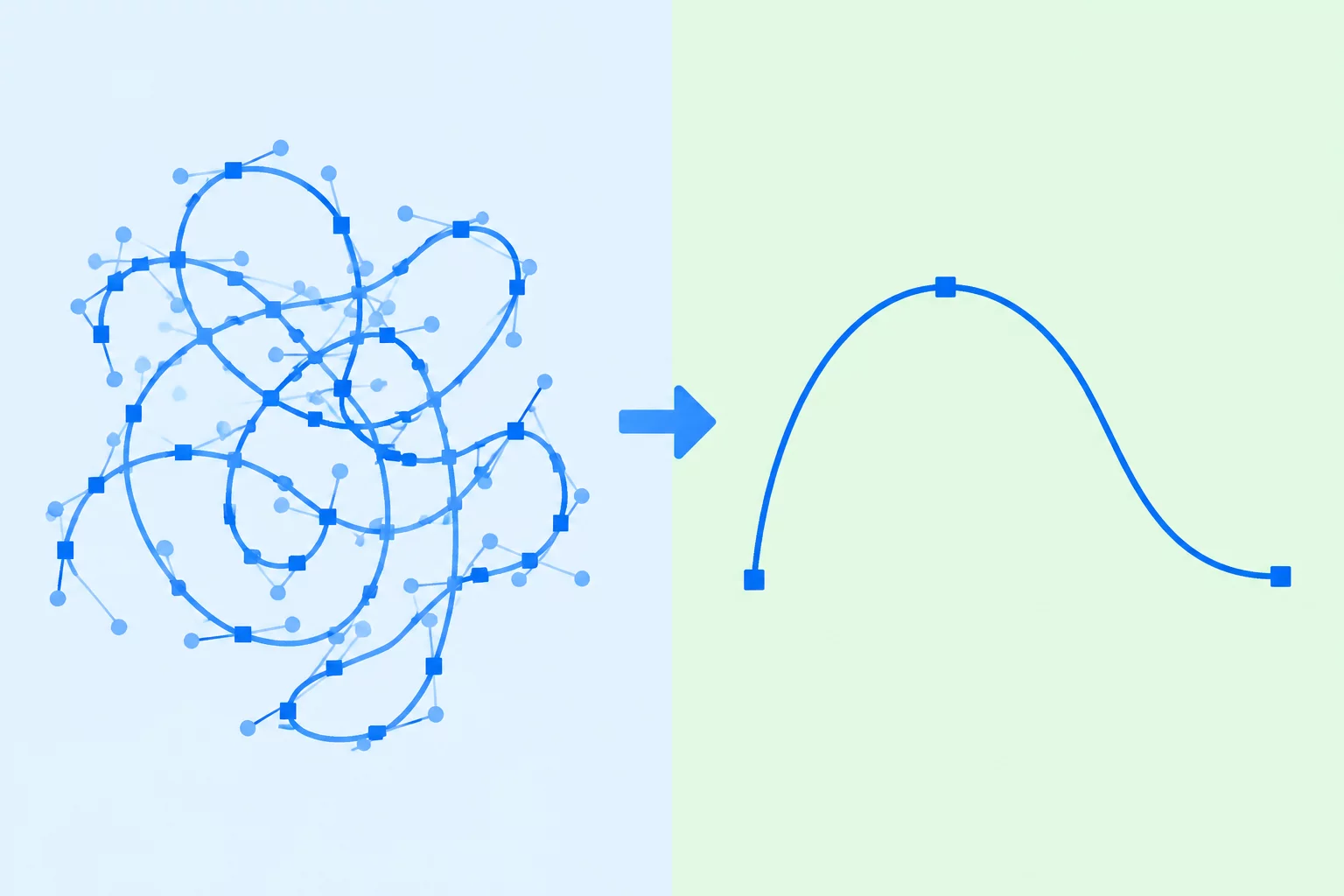
Auto-tracing raster graphics frequently introduces hundreds of redundant control points and self-intersecting loops. Understanding how to triage these defects prevents blade drag, tearing, and ruined cut media.
- High point density along gentle arcs indicates threshold oversaturation rather than geometric detail.
- Microscopic loops and crossed contours cause cutting plotters to stutter and chew through delicate cardstock and vinyl.
- Manual point suppression combined with deliberate tangent alignment consistently yields crisper physical cuts than indiscriminate global smoothing sliders.
01. Diagnostic Anatomy of a Messy Trace Result
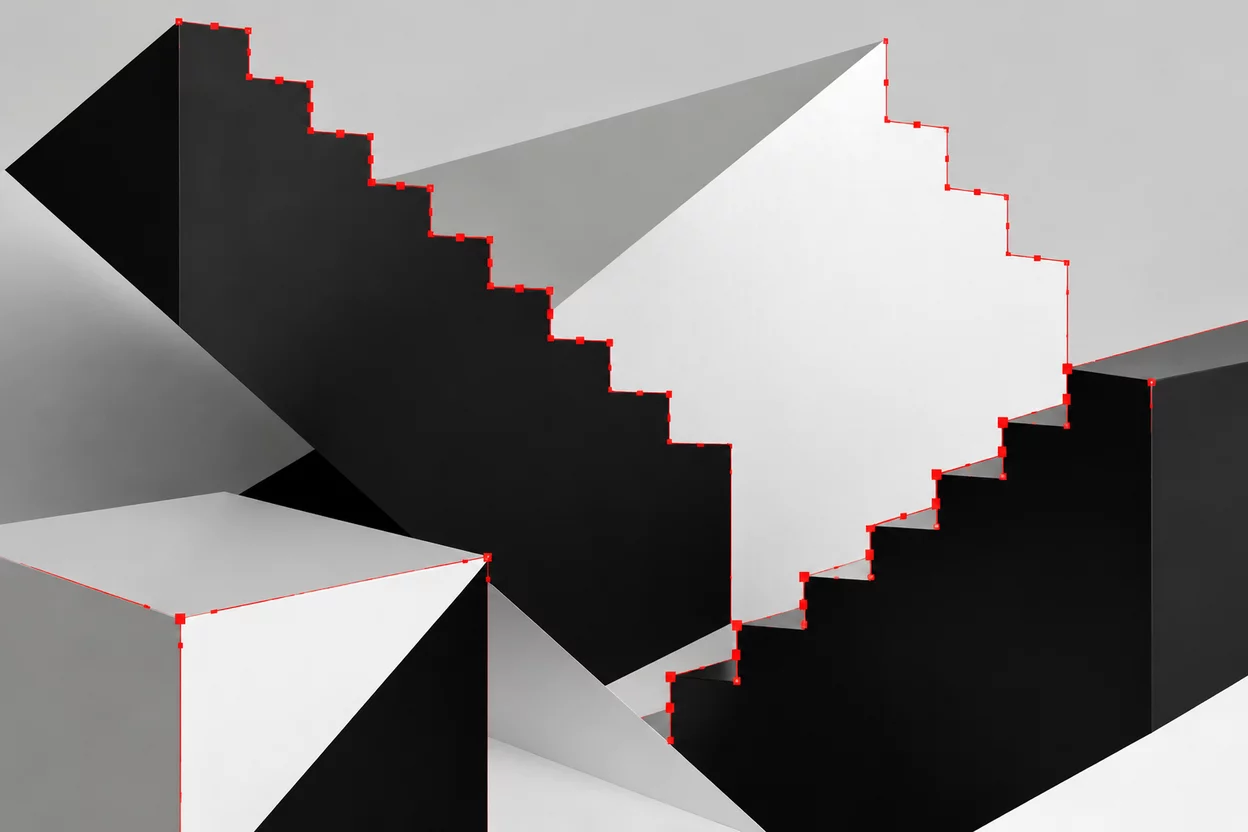
When Silhouette Studio evaluates high-contrast raster edges, the software assigns anchor points along micro-pixel brightness transitions. Slight anti-aliasing fuzz along an otherwise straight or gently sweeping curve forces the tracing algorithm to generate a dense cascade of microscopic steps. Each step receives an individual node with microscopic handles. Rather than producing a clean cubic bezier curve, the calculation outputs a jagged polygonal chain that bloats the file memory and paralyzes blade travel.
Zooming closely into a suspicious outline reveals why an auto-trace fails during actual plotter execution. Tangent handles frequently point inward or cross neighboring paths at acute angles. These tiny geometric anomalies may look passable at 100% zoom on a computer monitor, but physical cutting drag knives cannot negotiate zero-radius directional reversals without gouging the media surface. Recognizing these dense node clusters early saves valuable materials and prevents blade tip fractures.
02. Stepwise Point Reduction and Bezier Normalization
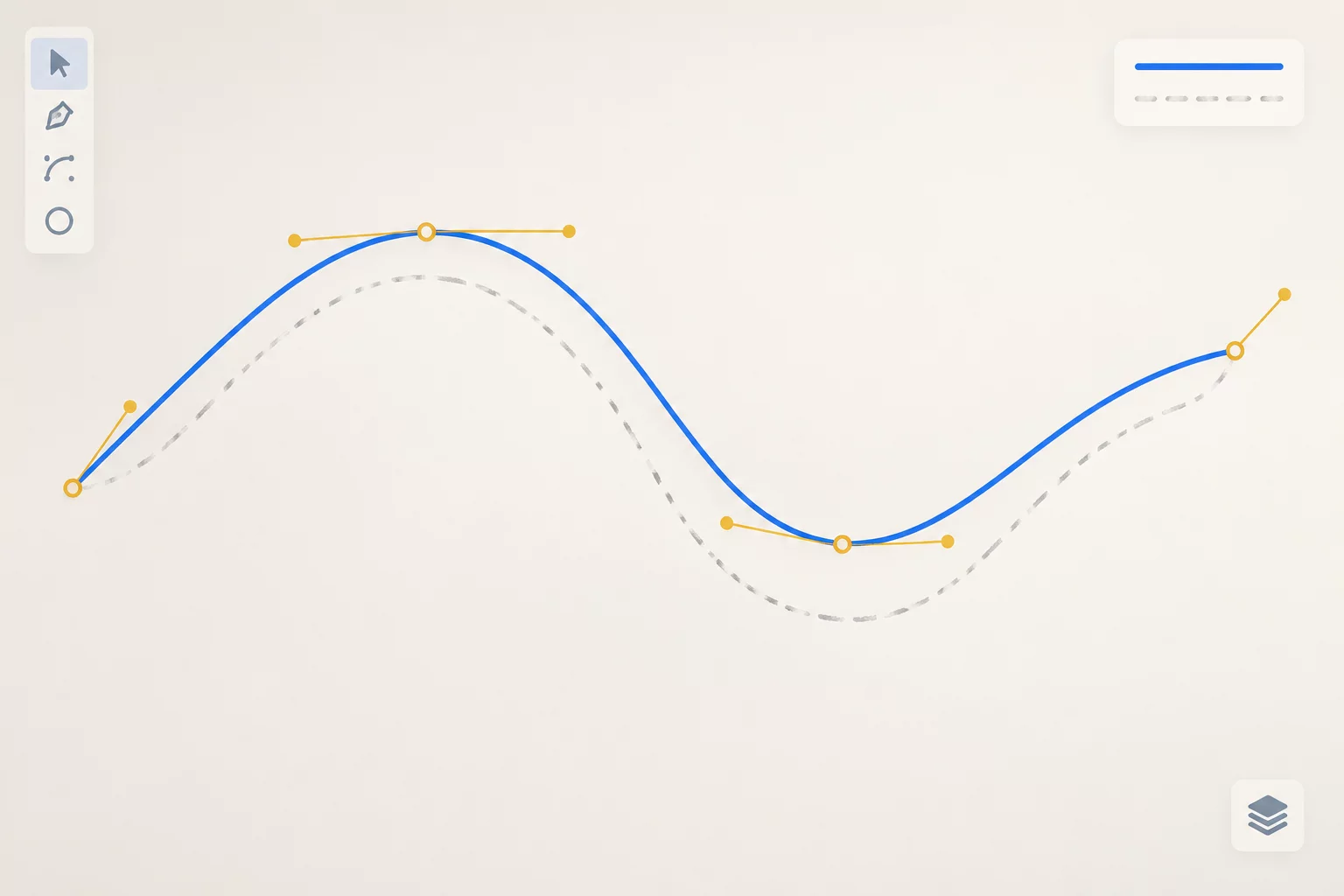
Effective cleanup begins with targeted isolation rather than global automated simplification. Silhouette Studio includes a Simplify command, yet applying it indiscriminately across an entire complex vector group tends to collapse sharp corners and distort intentional negative spaces. Instead, professional vector cleanup requires unlinking compound paths and inspecting individual sub-paths one by one. Removing three out of four nodes along a steady perimeter arc immediately restores uniform curvature without altering the silhouette's macro shape.
“A flawless cutting path contains only the minimum number of anchor points necessary to describe the form's curvature and its directional inflection points.”
During manual editing, switching from corner points to smooth nodes stabilizes erratic transitions. When two opposing bezier handles maintain collinearity, the blade glides smoothly through the trajectory without abrupt deceleration. Eliminating redundant colinear points on straight spans reduces g-code execution overhead on the cutting carriage, yielding whisper-quiet carriage movements and razor-sharp vinyl cut edges.
03. Critical Defect Classes in Cut-File Geometries
In our testing laboratory, messy vector results regularly fall into four repetitive structural defect classes. Addressing each class requires a distinct corrective operation inside the path editing panel:
- Overlapping Loops (Self-Intersection): Occurs when an automated trace crosses back over its own perimeter, creating zero-area pockets that snag the blade tip and cause tearing.
- Micro-Segment Clumping: Clusters of five to twenty nodes situated within a fraction of a millimeter, caused by compression artifacts along compressed JPEG contours.
- Broken Tangent Inflections: Asymmetrical handle lengths where one handle overpowers an adjacent curve, creating unsightly lumps along organic silhouettes.
By methodically identifying and resolving these conditions, clean vector artwork preserves the original graphic intent while maintaining maximum compatibility with plotting blades, laser cutters, and embroidery punch systems alike.
04. Production Verification and Blade Motion Optimization
Before sending any cleaned trace to production, a virtual cut simulation provides an indispensable checkpoint. By toggling off fill colors and assigning a thin 0.25 pt red stroke, invisible internal duplicate lines and unclosed endpoints instantly become visible against the white workspace mat. If an open endpoint exists where two nodes should form a continuous boundary, dragging one over the other until Silhouette Studio snaps them into a single vertex ensures uninterrupted blade tracking.
Inspecting the finalized path reveals a dramatic reduction in geometric complexity: a messy trace initially carrying 1,420 nodes often performs with superior visual fidelity and mechanical accuracy using fewer than 180 thoughtfully placed points. Clean vector paths not only cut 40% faster on standard desktop vinyl plotters, but they also protect downforce springs and prolong carbide blade lifespans significantly.