Summary Table of Contents
Automated vector trace filters make binary assumptions about bitmap contrast that frequently erase narrow gaps, delicate inner contours, and faint geometric transitions.
- Luminance thresholds convert low-contrast gradient boundaries into unified solid blocks instead of distinct cutting trajectories.
- High-pass filter presets often blur sub-pixel counter-spaces, causing internal letter holes and fine patterns to dissolve.
- Segmenting the source file into tiered tonal ranges reliably rescues shapes that single-pass thresholding obliterates.
01. The Mechanism of Boundary Evaporation in Image Trace
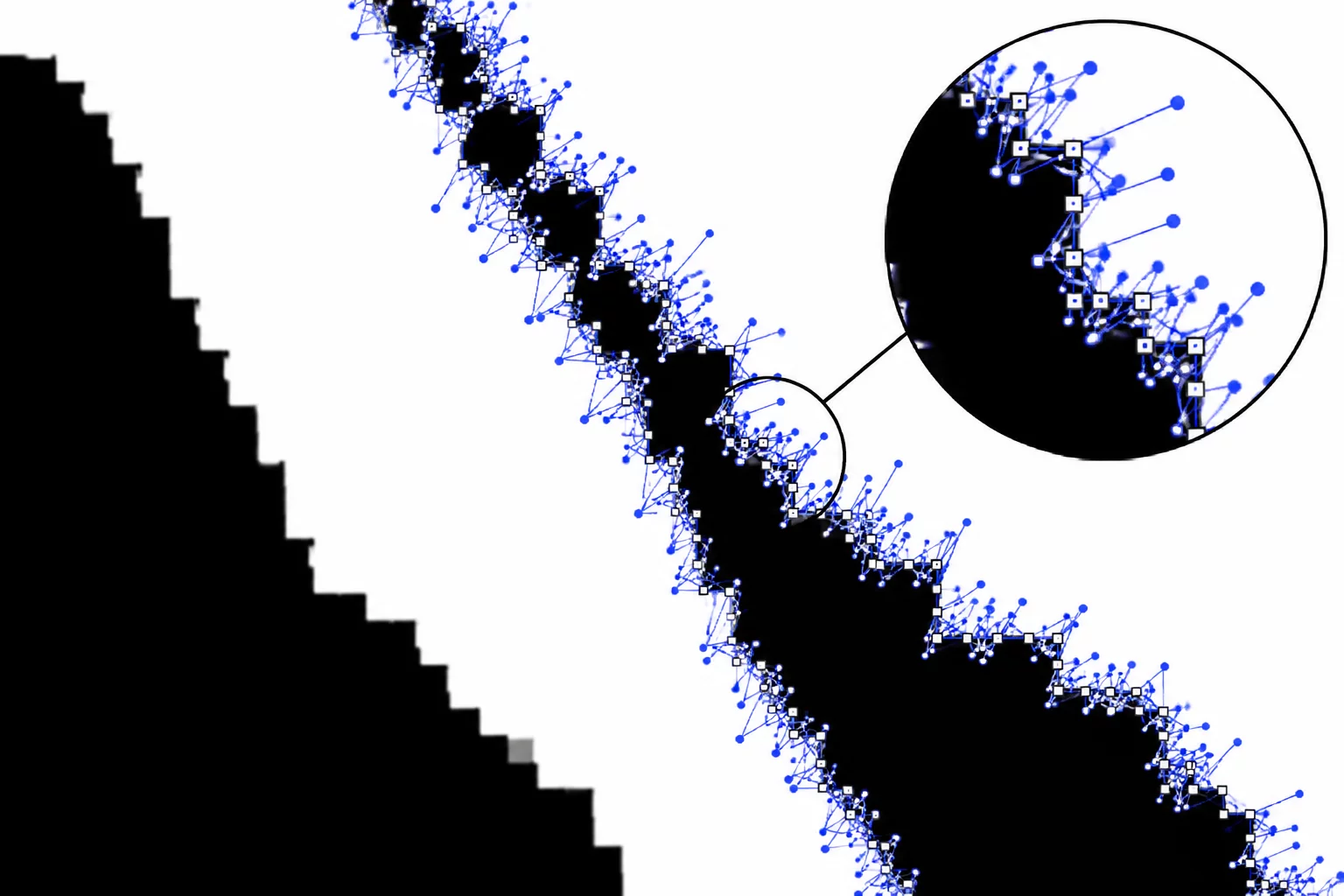
Digital conversion algorithms evaluate source graphics through progressive contrast scans. In an ideal raster to vector process, every discernible boundary in the bitmap translates directly into bezier curve anchors. However, raster scans rely on pixel groupings whose edge transitions carry anti-aliasing artifacts. When an image trace engine encounters soft anti-aliased pixels, it enforces a rigid cutoff rule across the entire spectrum. Pixels above the designated threshold register as positive fills, while those falling below register as empty ground.
This rigid binary sorting becomes disastrous for subtle graphics. Narrow channels separating adjacent graphic components often span only two or three semi-transparent pixels. As the trace algorithm processes the matrix, it groups these transitional pixels into the predominant neighboring field. The visual consequence is immediate path fusion: the separation disappears entirely, leaving a fused shape where distinct design elements originally resided.
02. How Silhouette Studio Trace Collapses Negative Spaces
In standard vector production with desktop cutting systems, the Silhouette Studio trace workspace relies heavily on its yellow mask preview to convey upcoming vector trajectories. When tracing intricate lettering, vintage heraldry, or botanical sketches, users frequently observe interior openings vanishing within the preview. This collapse happens because the default trace setup emphasizes outer envelope capture over interior negative retention.
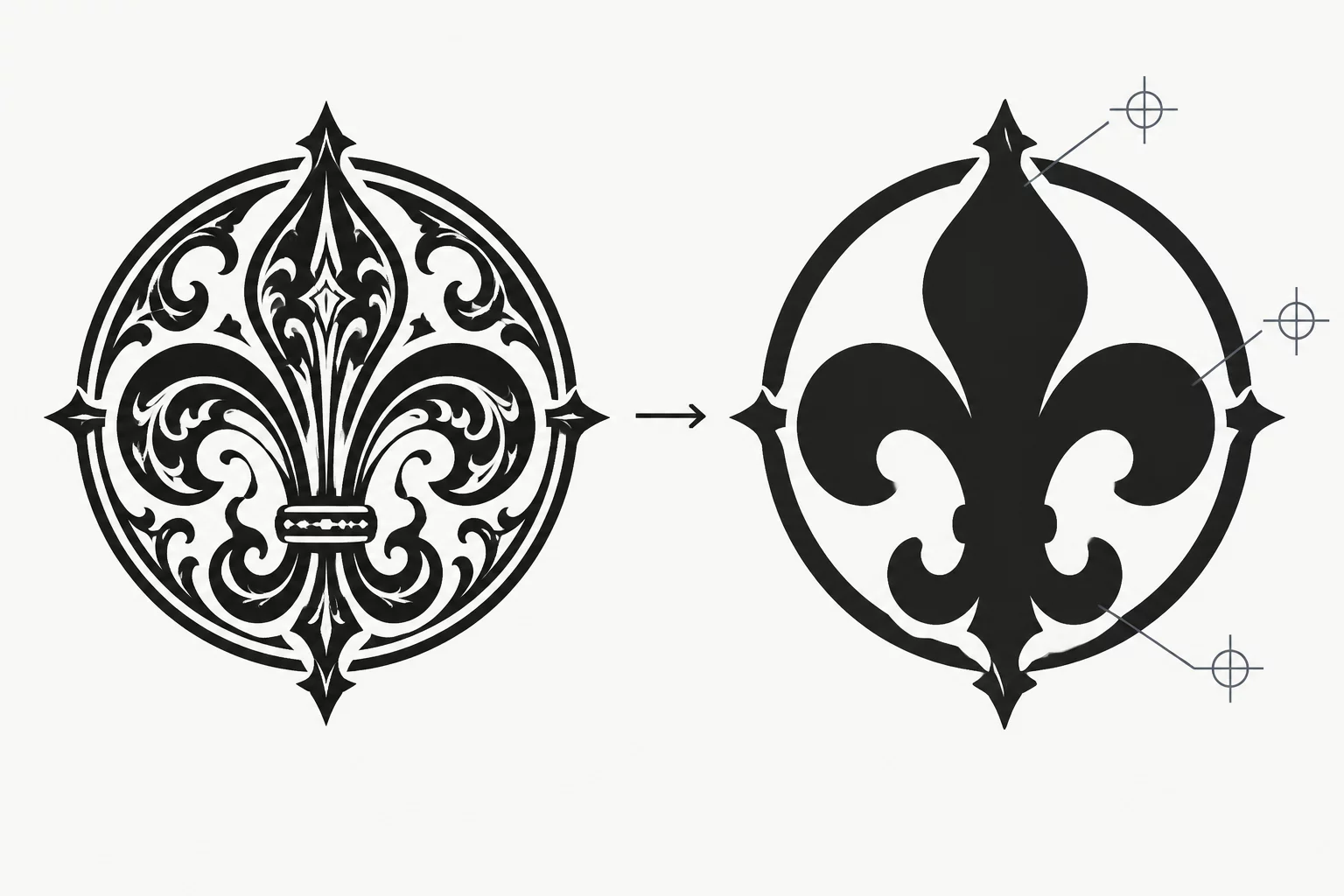
When threshold sensitivity ignores subtle luminance gradations, fine interior islands disappear into unified flat polygons, ruining cut files before the blade ever drops.
Selecting the standard Trace command generates both external contours and internal cutouts, but only if the software recognizes the internal void as an enclosed compound path. If the threshold slider sits too high, the yellow mask floods across tiny interior holes. Once the user clicks Trace, the software produces a solid outer contour without the required inner paths, transforming delicate lace patterns or hollow typography into heavy geometric slugs.
03. Core Indicators of Vanishing Geometry
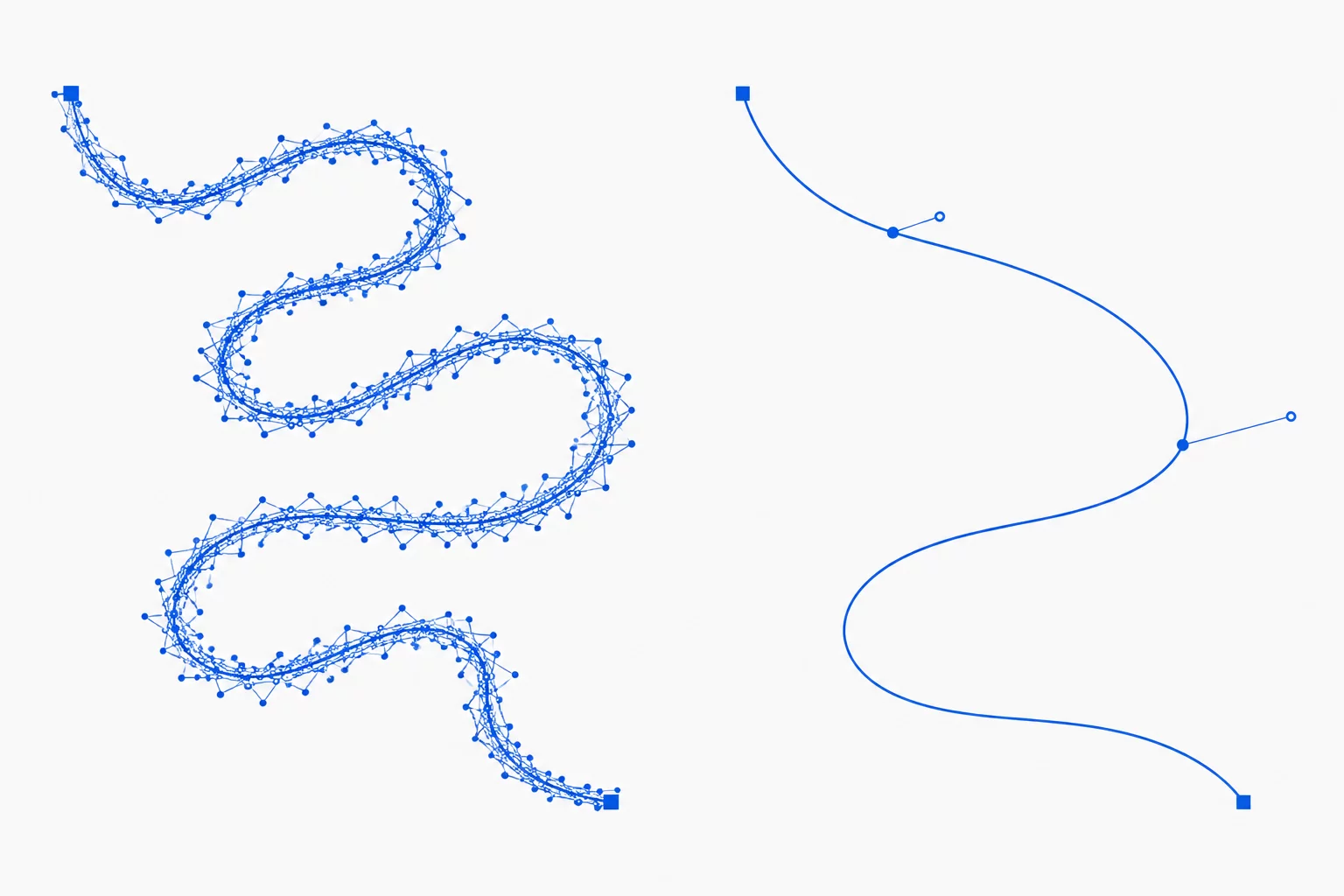
Detecting missing geometry prior to plotting or laser cutting requires systematic inspection of the generated vector nodes. A clean raster to vector conversion preserves proportional balance between positive bodies and negative counter-spaces.
- Luminance Threshold Clamping: The preset threshold index where subtle line weights snap into background values, flattening secondary details into blank space.
- High Pass Filtering Suppression: Active high-pass filters accentuate edges but wipe away broad tonal contrast, stripping away delicate interior bridges.
- Pre-Interpolation Pixel Density: Low-resolution sources below 300 DPI cause sub-pixel features to average out into the surrounding field before curve fitting commences.
Observing these three factors during the vectorization preview guarantees that lost shapes are caught early. When the preview mask floods across an open stroke or swallows a counter hole, continuing with the trace creates irreversible path deformities that require laborious manual node editing.
04. Remediation Strategies for Complex Vector Integrity
Recovering lost shapes does not always require redrawing from scratch. An effective technique involves multi-pass binarization. Instead of attempting to capture the entire composition with a single global threshold setting in your Silhouette Studio trace palette, capture the artwork in layers. Set a low threshold first to isolate delicate inner contours, generate those specific vector paths, and then execute a secondary higher-threshold trace focused strictly on the dense outer boundaries.
Once both sets of paths exist on the artboard, merge them using compound path commands. This multi-pass workflow retains fragile lines and intricate inner holes without sacrificing the weight of the main silhouette. Inspecting the final geometry in wireframe mode confirms that every intended hole remains open and every independent shape keeps its distinct identity.