Summary Table of Contents
Low-quality source bitmaps consistently trick contour recognition engines into interpreting blur, JPEG blocks, and texture gradients as deliberate geometry:
- JPEG compression blocks create dense clusters of jagged nodes rather than clean linear boundaries.
- Unchecked threshold values force semi-transparent fringe pixels to become thousands of disconnected microscopic loops.
- Pre-trace thresholding and high-contrast masking save substantial production hours compared to post-trace manual point deletion.
01. Threshold Misinterpretations and Pixel Fringes
Automated tracing utilities operate by scanning discrete luminosity boundaries across raster grids. When an operator feeds an uncompressed, sharp silhouette into Silhouette Studio, the luminance differential between figure and ground produces straightforward vector calculations. Low-resolution scans and lossy digital graphics tell a radically different story. Compression algorithms discard fine edge transitions, replacing crisp borders with subtle gradients, chroma aberrations, and stepped pixel clusters. The software engine cannot infer designer intention; it merely calculates mathematical frontiers where pixel brightness crosses a pre-set threshold number.
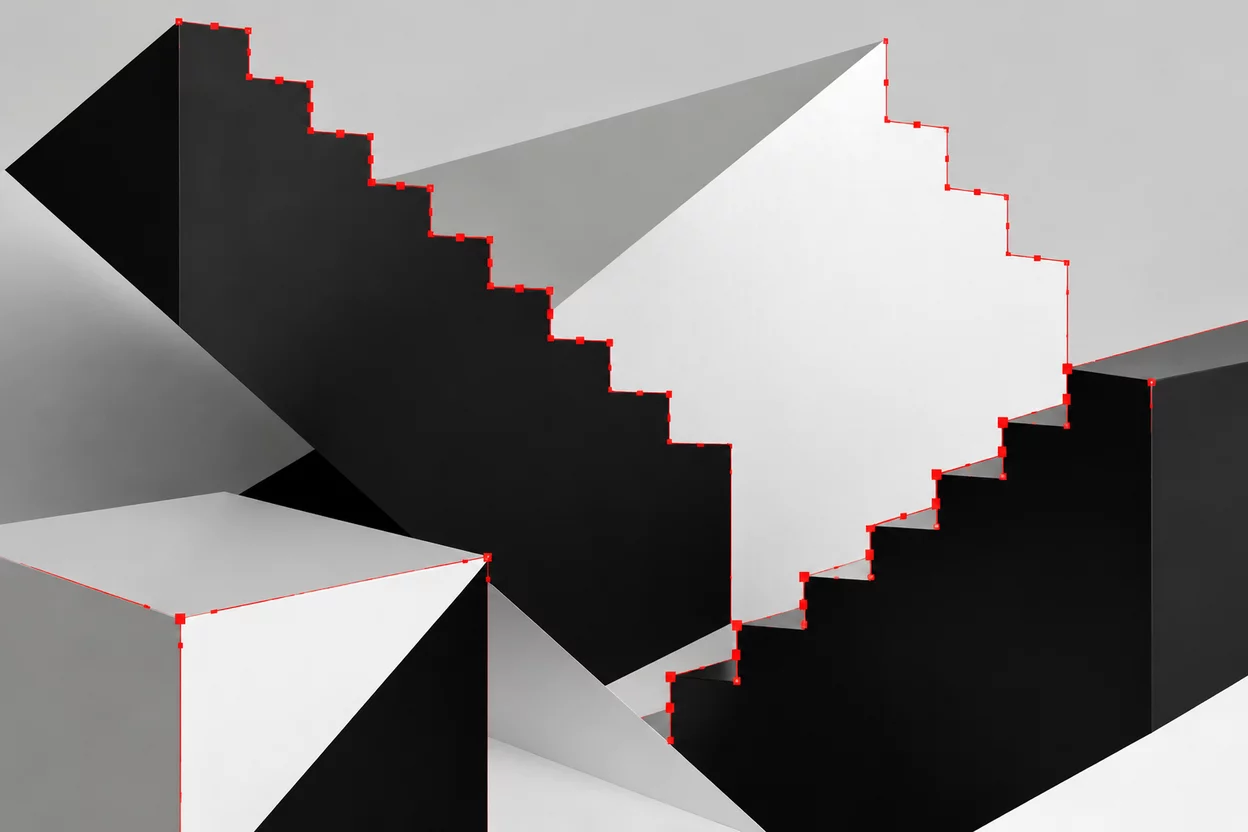
This lack of intentional discrimination turns antialiased edge zones into structural battlegrounds. Intermediate gray values that cushion human vision on monitor displays get converted into stepped staircases of tiny vector segments. Each step requires its own start and end node, inflating geometric complexity by hundreds of unnecessary coordinate points along simple silhouettes.
02. Stray Artifacts and Parasitic Island Paths
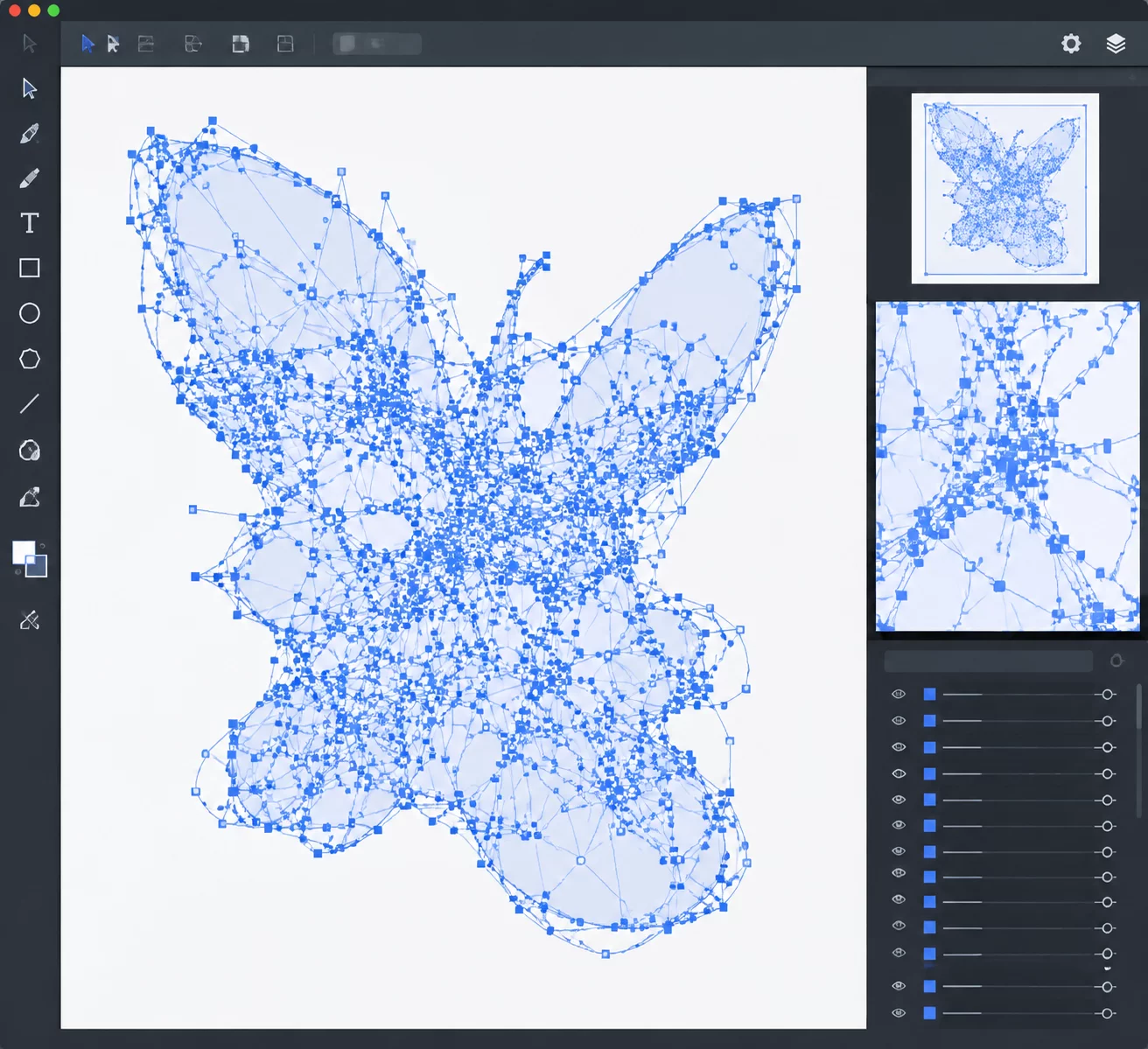
In addition to jagged contour outlines, noisy raster files introduce floating islands of vector data. Dust specks on physical scanners, subtle paper grain, and faint watermarks often possess just enough local contrast to cross tracing boundaries. The trace engine dutifully wraps closed vector loops around each of these micro-anomalies, depositing hundreds of tiny closed paths across the virtual cutting mat.
An auto-trace algorithm lacks semantic awareness; it treats accidental scanner dust and JPEG block boundaries with the exact same mathematical fidelity as the primary subject.
Inspecting these results in wireframe view reveals a chaotic landscape of nested loops, self-intersecting loops, and microscopic debris. A user expecting a single continuous outline instead receives a composite shape splintered into dozens of autonomous sub-paths, complicating vinyl weeding, laser engraving, and offset stroke generation.
03. Mechanical Consequences on Plotters and Cutters
While visual clutter on a computer screen is inconvenient, transferring these corrupted paths to a computer-controlled cutting tool introduces physical equipment stress. Tangential cutting blades, drag knives, and laser heads interpret every single vector node as an explicit physical waypoint:
- Excessive Node Density: Tight node clusters force the cutter head to decelerate, pivot micro-fractions of a millimeter, and accelerate repeatedly, drastically increasing processing duration.
- Blade Chatter and Material Tearing: Rapid direction changes caused by stair-stepped pixel paths cause drag blades to dig into delicate vinyl or cardstock, creating frayed, ragged cut lines.
- Parasitic Pinhole Piercings: Unwanted microscopic loops trigger tool-down commands on empty background areas, puncturing backing sheets and chewing materials without producing usable parts.
These mechanical failures make it imperative to address source noise systematically rather than expecting cutter firmware to smooth out underlying geometric flaws.
04. Remediation Strategies Before and After Tracing
Efficient resolution begins in bitmap preparation prior to vector extraction. Applying a high-pass threshold or posterize filter in raster software eliminates soft tonal gradations, flattening the image into absolute black and absolute white. This clean binary state denies the auto-trace algorithm intermediate luminance values, immediately cutting generated node counts by up to seventy percent.
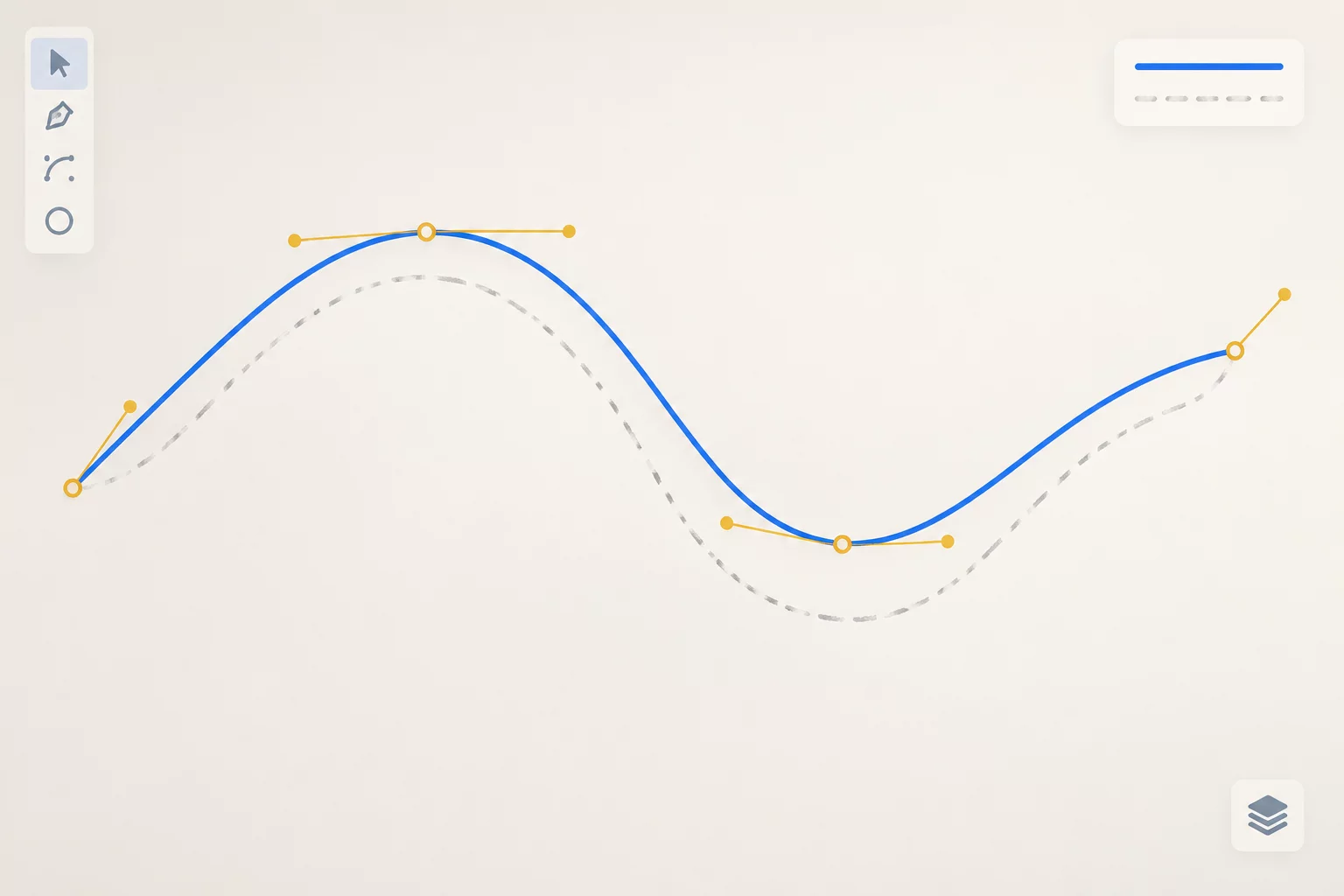
When working directly within Silhouette Studio, fine-tuning High Pass and Low Pass filters suppresses fine background texture before vectorization commences. If stray shapes have already been plotted, breaking the compound path allows instant selection and bulk deletion of microscopic sub-elements, restoring manageable geometry without tedious node-by-node reconstruction.