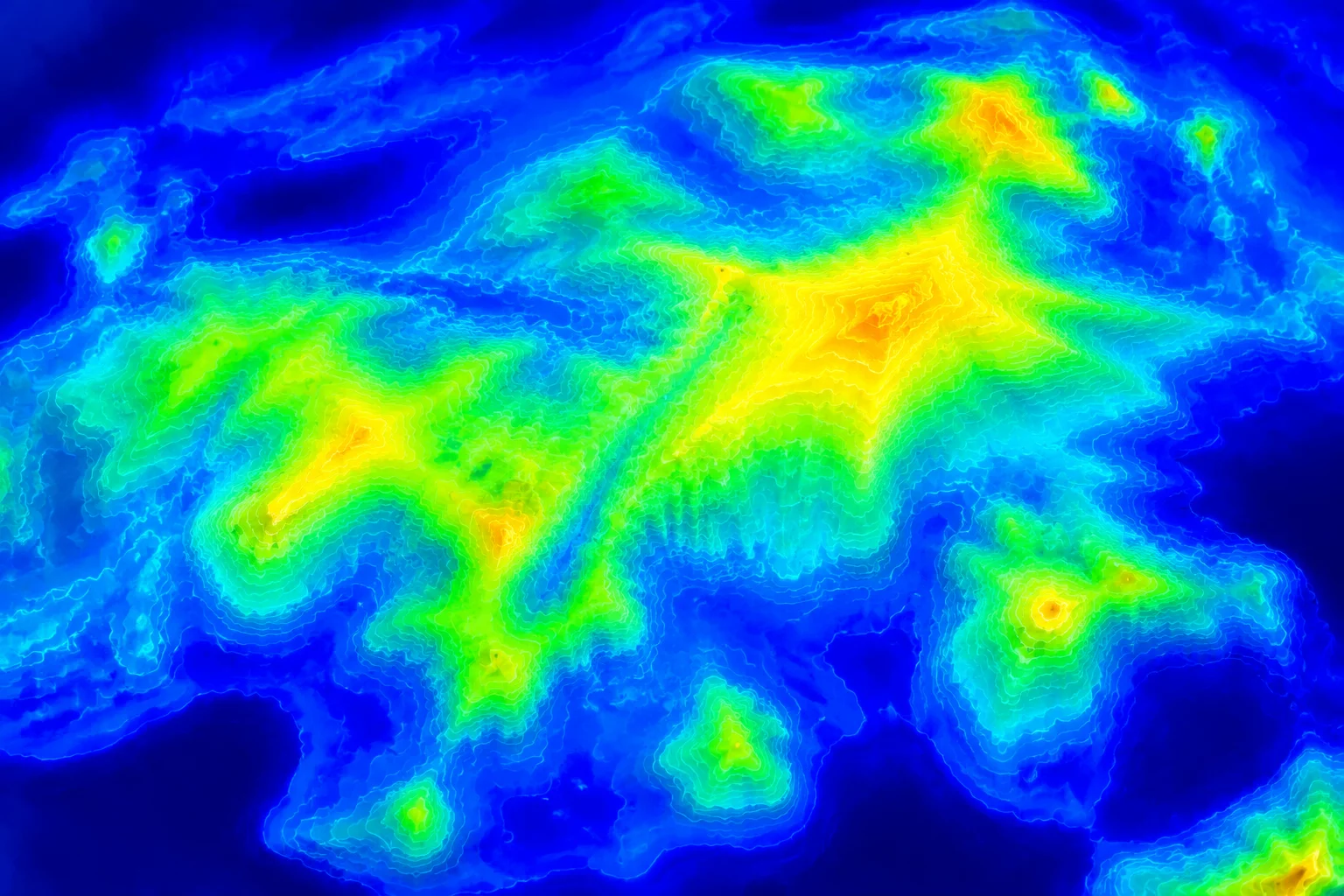
Calibrate Trace Thresholds Before Path Generation
Auto-trace modules frequently struggle with mid-tone transitions and soft gradients, either merging distinct outlines into solid blobs or dropping delicate details. The Threshold Adjustment Visualizer maps pixel brightness distributions and exposes exact boundary isolations before node creation occurs, eliminating repetitive trial-and-error tracing.
Core Threshold Diagnostics & Precision Metrics
Explore technical parameters governing mask generation, luminance segregation, and vector conversion limits.
Operational Highlights & Performance Limits
- Dynamic Range Mapping:Scans full 8-bit grayscale depths from 0 to 255 across incoming raster scans to highlight low-contrast edge dropouts.
- Binarization Threshold Control:Allows step adjustments with 0.5% increments, helping isolate fine interior cutouts without bleeding outer perimeters.
- Noise Suppression Filter:Removes single-pixel artifacts and JPEG compression noise before paths are passed to Silhouette Studio trace routines.
- Zero Path Distortion:Preserves sharp corner radii and true circular arcs by computing directional gradient vectors along boundary edges.
Engine Configuration Matrix
Clean Negative Space
Keep delicate counter spaces, inner loops, and text openings intact without manual point editing.
Eliminate Node Clumping
Prevent fuzzy anti-aliased borders from producing hundreds of microscopic anchor clusters.
Instantaneous Feedback
Real-time multi-threaded threshold calculation ensures smooth slider interaction on large artwork.
Studio Ready Presets
Translate visual threshold levels directly into native Silhouette Studio trace values.
Explore Complementary Vector Diagnostics



Streamline Your Raster-to-Vector Preparation Workflow
Connect with our technical desk to obtain full tool licensing, enterprise batch automation pipelines, and implementation assistance for Silhouette Studio.